



这篇文章主要介绍了node.js中的buffer.tostring方法使用说明,本文介绍了buffer.tostring的方法说明、语法、接收参数、使用实例和实现源码,需要的朋友可以参考下。
方法说明:
将buffer对象转换成指定的字符编码的字符串。
语法:
buffer.toString([encoding], [start], [end]);
接收参数:
encoding:转换成字符串后的字符编码,默认为 ‘utf8′;
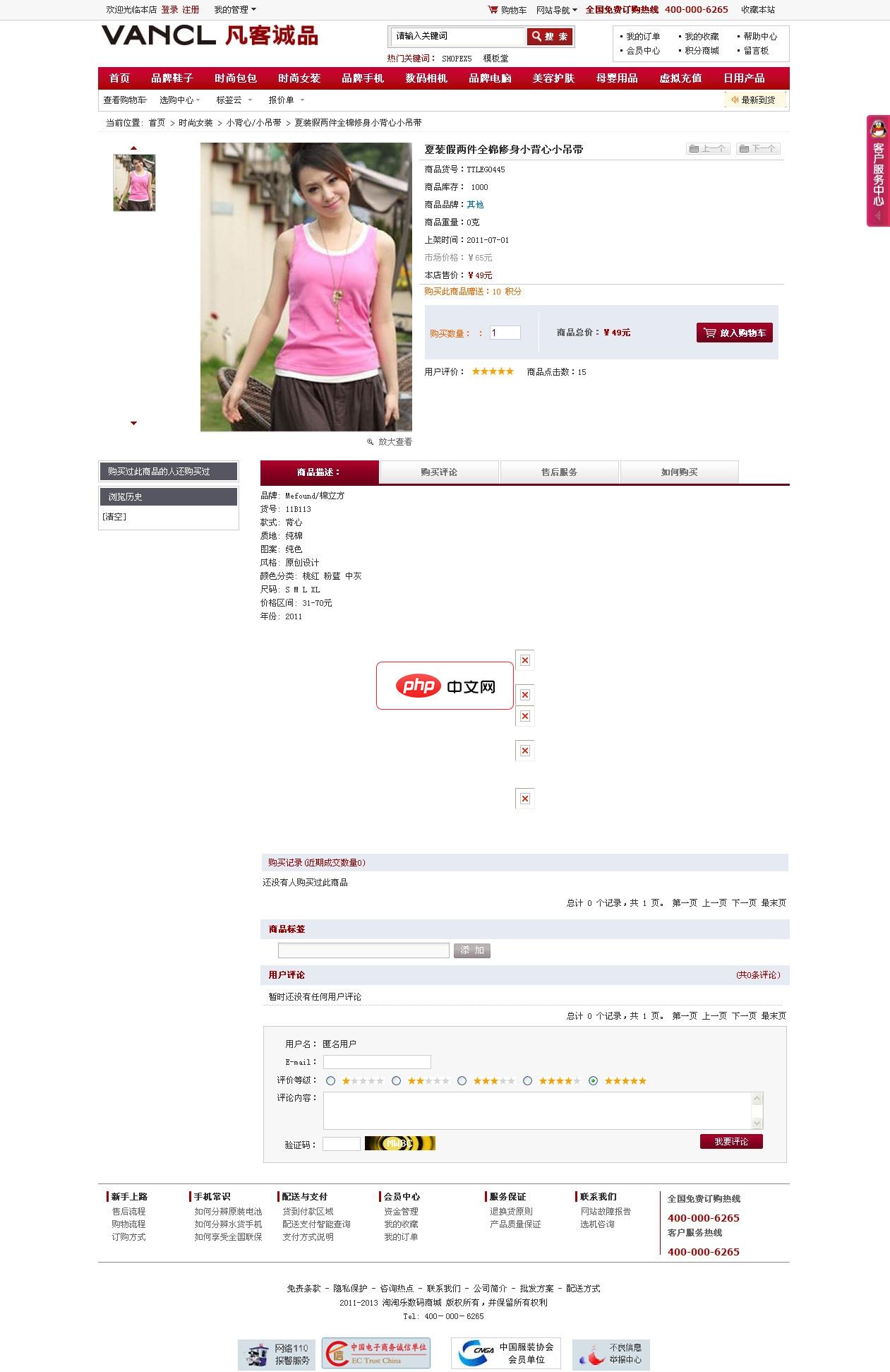
淘淘乐商城整站 For ECSHOP
下载
基于ECSHOP2.7.2制作,模板使用的是早期的凡客模板。整站大气,清爽。适合综合,鞋子,服饰类商城使用。具体安装方法在程序包中有说明,在使用之前请看下。 大体方法:1.上传程序至网站根目录,访问:域名/diguo (用户名:admin 密码:123456)2.设置好数据库信息,然后恢复数据,数据目录在www.shopex5.com下.3.修改data目录下的config数据库配置文件。4.登陆
start:buffer 转换的起始位置,默认为 0;
end :buffer 转换的结束位置,默认为buffer长度。
例子:
var b = new Buffer(50);

console.log(b);

var c = b.toString('base64',0,10);

console.log(c);
源码:
// toString(encoding, start=0, end=buffer.length)
Buffer.prototype.toString = function(encoding, start, end) {
  var loweredCase = false;
  start = start >>> 0;
  end = util.isUndefined(end) ? this.length : end >>> 0;
  if (!encoding) encoding = 'utf8';
  if (start < 0) start = 0;
  if (end > this.length) end = this.length;
  if (end <= start) return '';
  while (true) {
    switch (encoding) {
      case 'hex':
        return this.hexSlice(start, end);
      case 'utf8':
      case 'utf-8':
        return this.utf8Slice(start, end);
      case 'ascii':
        return this.asciiSlice(start, end);
      case 'binary':
        return this.binarySlice(start, end);
      case 'base64':
        return this.base64Slice(start, end);
      case 'ucs2':
      case 'ucs-2':
      case 'utf16le':
      case 'utf-16le':
        return this.ucs2Slice(start, end);
      default:
        if (loweredCase)
          throw new TypeError('Unknown encoding: ' + encoding);
        encoding = (encoding + '').toLowerCase();
        loweredCase = true;
    }
  }
};以上就是本章的全部内容,更多相关教程请访问Node.js视频教程!




