

最新下载

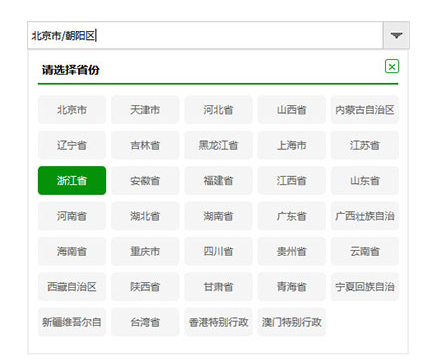
iPicker多级联动城市选择组件


24小时阅读排行榜
- 1 如何让页面加载逻辑具备容错能力:替代 window.onload 的现代方案
- 2 如何让页面加载逻辑具备容错能力并支持多 GeoGebra 小程序注入
- 3 如何在 React 中根据动态数据实时调整组件样式
- 4 GO项目中HTML无法加载外部JS文件的解决方案
- 5 如何让按钮内文本自动换行而不挤占右侧图标位置
- 6 如何在 ACF Post Object 字段中正确获取并显示关联产品的缩略图
- 7 如何在 React 中根据动态数据实时切换组件样式
- 8 如何在 Go Web 服务中正确加载外部 JavaScript 文件
- 9 如何正确对字典列表按键或值排序(解决 KeyError: 1 错误)
- 10 如何在 PHP 中从 DOMNodeList 中筛选指定标签名的节点
- 11 如何在 Go 中通过类型断言检测数值范围错误
- 12 Python 中的单元素解包语法:[b] = a 原理与最佳实践
- 13 如何在 Go 中通过类型断言检测数值越界错误
- 14 如何为页面中多个表单分别实现独立的“编辑”功能
- 15 如何实现网页加载时 GeoGebra 小程序注入的容错与可靠执行
最新教程

-
- Node.js 教程
- 16243 2025-08-28
-
- CSS3 教程
- 1546853 2025-08-27
-
- Rust 教程
- 23376 2025-08-27
-
- Vue 教程
- 25830 2025-08-22
-
- PostgreSQL 教程
- 22318 2025-08-21
-
- Git 教程
- 9286 2025-08-21
代码片段:
<script type="text/javascript" src="js/jquery.min.js"></script>
<script type="text/javascript" src="js/Popt.js"></script>
<script type="text/javascript" src="js/city.json.js"></script>
<script type="text/javascript" src="js/citySet.js"></script>
<style type="text/css">
* { -ms-word-wrap: break-word; word-wrap: break-word; }
html { -webkit-text-size-adjust: none; text-size-adjust: none; }
html, body {height:99%;width:99%; }
.wrap{width:464px;height:34px;margin:20px auto;border:0;position:relative;}
.input{position:absolute;top:0;left:0;width:457px;margin:0;padding-left:5px;height:30px;line-height:30px;font-size:12px;border:1px solid #c9cacb;}
s{position:absolute;top:1px;right:0;width:32px;height:32px;background:url("img/arrow.png") no-repeat;}
._citys { width: 450px; display: inline-block; border: 2px solid #eee; padding: 5px; position: relative; }
._citys span { color: #05920a; height: 15px; width: 15px; line-height: 15px; text-align: center; border-radius: 3px; position: absolute; right: 10px; top: 10px; border: 1px solid #05920a; cursor: pointer; }
._citys0 { width: 95%; height: 34px; line-height: 34px; display: inline-block; border-bottom: 2px solid #05920a; padding: 0px 5px; font-size:14px; font-weight:bold; margin-left:6px; }
._citys0 li { display: inline-block; line-height: 34px; font-size: 15px; color: #888; width: 80px; text-align: center; cursor: pointer; }
._citys1 { width: 100%; display: inline-block; padding: 10px 0; }
._citys1 a { width: 83px; height: 35px; display: inline-block; background-color: #f5f5f5; color: #666; margin-left: 6px; margin-top: 3px; line-height: 35px; text-align: center; cursor: pointer; font-size: 12px; border-radius: 5px; overflow: hidden; }
._citys1 a:hover { color: #fff; background-color: #05920a; }
.AreaS { background-color: #05920a !important; color: #fff !important; }


相关推荐
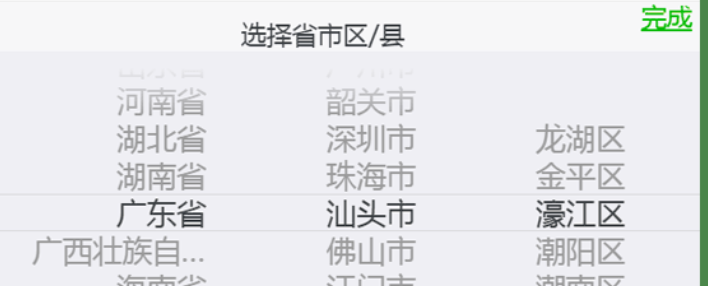
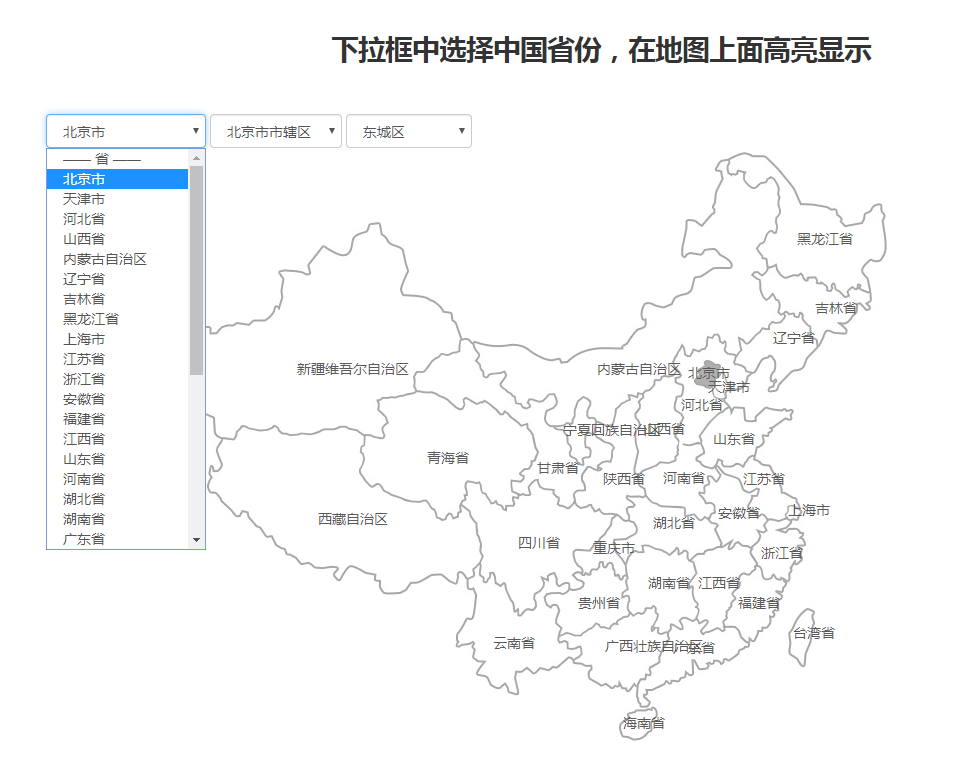
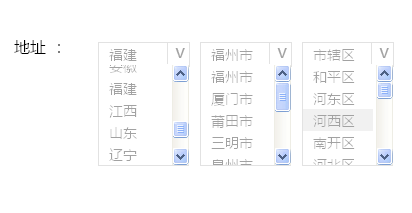
jQuery实现select省市区三级联动下拉框


热门下载




canvas音谱可视化mp3音乐播放器代码






