

最新下载


24小时阅读排行榜
- 1 如何使用 Go pprof 获取函数调用次数(Hit Count)而非执行时长
- 2 如何将嵌套数组数据按顺序注入同名类的多个 DOM 元素中
- 3 如何将嵌套数组数据按顺序注入同名 class 的多个 DOM 元素中
- 4 VueJS 中等待所有 API 请求完成后再渲染表单的完整解决方案
- 5 Go 中类型别名与指针方法接收器的隐式转换陷阱详解
- 6 Swiper 10 自动轮播不因点击暂停的正确配置方法
- 7 如何在滚动时为粘性定位容器内的标题逐个触发动画效果
- 8 Ubuntu 16.04 上安装 php7.2-curl 失败的完整解决方案
- 9 如何在 CGO 中安全地将 C 结构体数组传递到 Go 并正确切片访问
- 10 Swiper 10 自动播放不因点击暂停的完整解决方案
- 11 VueJS 中优雅等待多个 API 请求完成的完整实践指南
- 12 如何正确初始化依赖注入容器以避免属性值为 null
- 13 Ubuntu 16.04 下正确安装 php7.2-curl 扩展的完整指南
- 14 Ubuntu 16.04 上安装 php7.2-curl 的完整解决方案
- 15 Go 中原子操作与内存序:为何没有 memory_order 控制及替代方案
最新教程

-
- Node.js 教程
- 16159 2025-08-28
-
- CSS3 教程
- 1546658 2025-08-27
-
- Rust 教程
- 23293 2025-08-27
-
- Vue 教程
- 25761 2025-08-22
-
- PostgreSQL 教程
- 22240 2025-08-21
-
- Git 教程
- 9223 2025-08-21
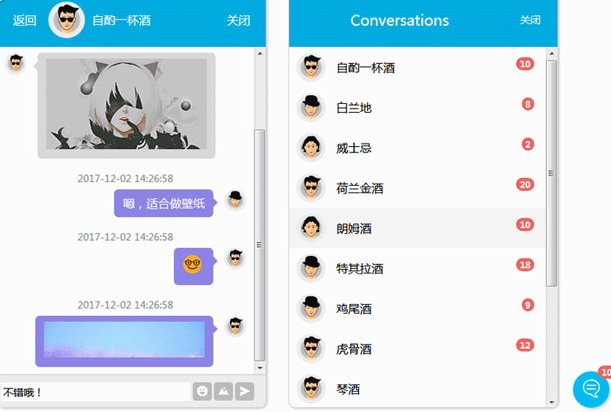
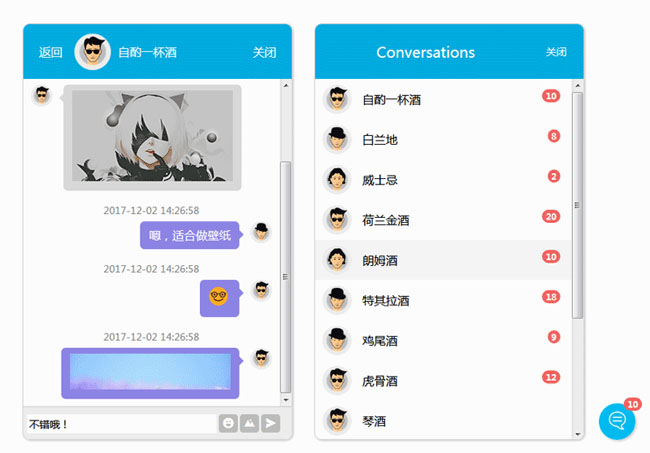
jQuery响应式聊天窗口界面特效是一款支持响应式布局,支持用户分组,聊天窗口支持图片上传和表情发布。
screenFuc();
function screenFuc() {
var topHeight = $(".chatBox-head").innerHeight();//聊天头部高度
//屏幕小于768px时候,布局change
var winWidth = $(window).innerWidth();
if (winWidth <= 768) {
var totalHeight = $(window).height(); //页面整体高度
$(".chatBox-info").css("height", totalHeight - topHeight);
var infoHeight = $(".chatBox-info").innerHeight();//聊天头部以下高度
//中间内容高度
$(".chatBox-content").css("height", infoHeight - 46);
$(".chatBox-content-demo").css("height", infoHeight - 46);
$(".chatBox-list").css("height", totalHeight - topHeight);
$(".chatBox-kuang").css("height", totalHeight - topHeight);
$(".div-textarea").css("width", winWidth - 106);
} else {
$(".chatBox-info").css("height", 495);
$(".chatBox-content").css("height", 448);
$(".chatBox-content-demo").css("height", 448);
$(".chatBox-list").css("height", 495);
$(".chatBox-kuang").css("height", 495);
$(".div-textarea").css("width", 260);
}
}


相关推荐


热门下载




canvas音谱可视化mp3音乐播放器代码






