
移动端文字长自动轮播
当你需要在移动端显示长文本时,如何自动对其进行轮播以确保可读性至关重要。以下是一种可行的实现方式:
实现原理
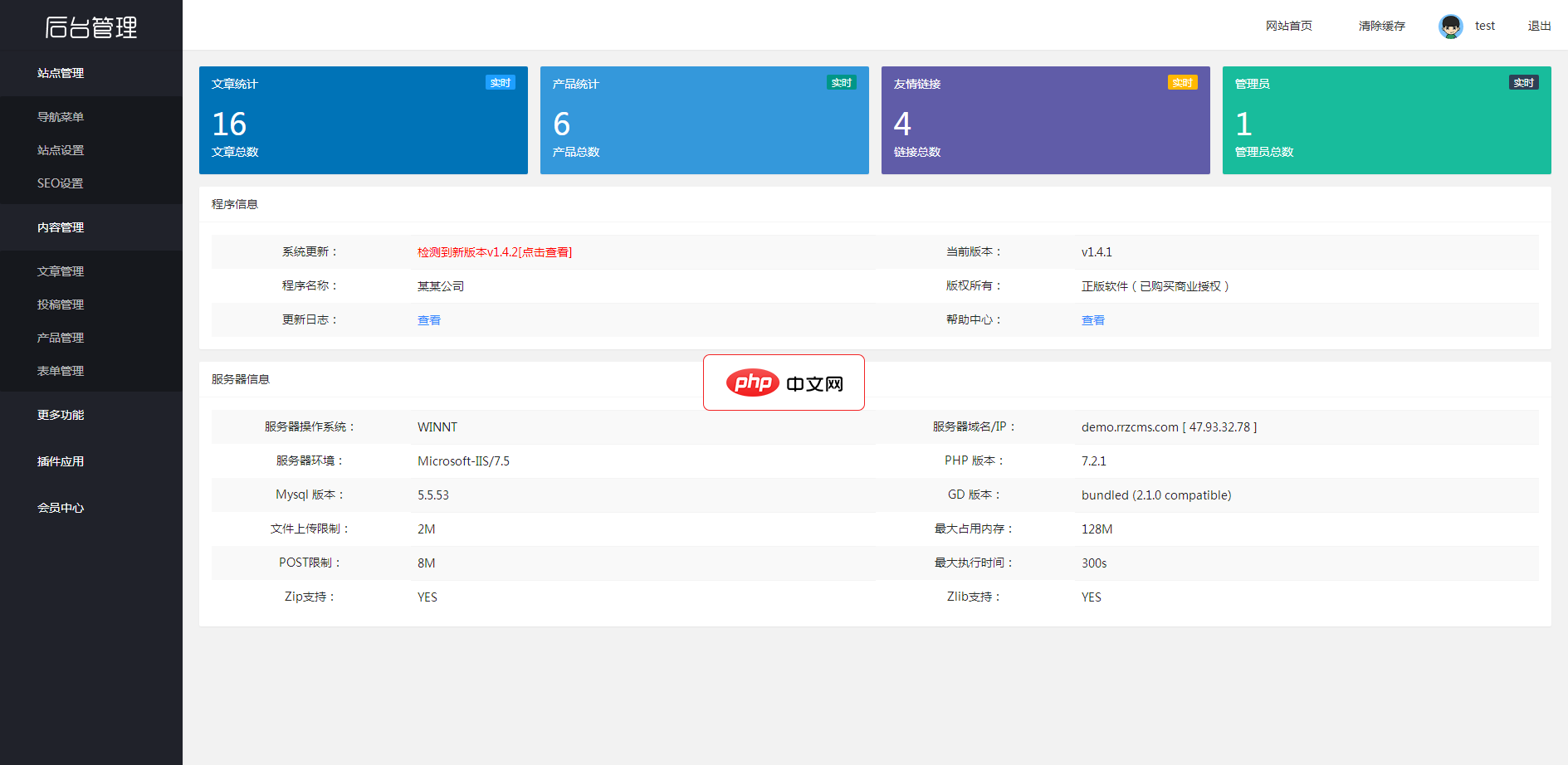
响应式在线教育培训类网站模板(响应式)安装即用,自带人人站CMS内核,支持移动端,前端banner轮播图文本均已进行可视化配置,伪静态页面生成,支持内容模型,支持多种URL模式及模型。模板特点:1、安装即用,自带人人站CMS内核及企业站展示功能(产品,新闻,案例展示等),并可根据需要增加表单 搜索等功能(自带模板) 2、支持响应式 3、前端banner轮播图文本均已进行可视化配置 4、伪静态页面生
 5
5

示例代码
<div class="text-container">
  <p>很长的文本,当它超过容器宽度时会自动滚动。</p>
</div>

<style>
.text-container {
  width: 200px;
  overflow: hidden;
  animation: text-scroll 5s infinite;
}

.text-scroll {
  animation-fill-mode: forwards;
  animation-timing-function: cubic-bezier(0.1, 0.8, 0.2, 1);
}
</style>

<script>
const container = document.querySelector('.text-container');
const text = container.querySelector('p');

function startAnimation() {
  if (text.scrollWidth > container.clientWidth) {
    container.classList.add('text-scroll');
  }
}

function stopAnimation() {
  container.classList.remove('text-scroll');
}

text.addEventListener('DOMSubtreeModified', function() {
  startAnimation();
});

window.addEventListener('resize', function() {
  startAnimation();
});
</script>以上就是移动端长文本如何实现自动轮播?的详细内容,更多请关注php中文网其它相关文章!

每个人都需要一台速度更快、更稳定的 PC。随着时间的推移,垃圾文件、旧注册表数据和不必要的后台进程会占用资源并降低性能。幸运的是,许多工具可以让 Windows 保持平稳运行。

 广告
广告Copyright 2014-2025 https://www.php.cn/ All Rights Reserved | php.cn | 湘ICP备2023035733号


 413
413








 收藏
收藏













