



使用 php 可通过以下步骤递归替换文件夹文件中的字符串:获取文件夹内容。使用函数递归遍历文件夹。替换文件中的字符串。调用函数并传递目录路径、要查找的字符串和要替换的字符串。

使用 PHP 递归替换文件夹文件中的字符串
为了在文件夹内的大量文件中替换字符串,可以使用 PHP 的递归函数。
1. 获取文件夹内容
<code class="php">$dir = 'path/to/directory';
$files = scandir($dir);</code>
2. 递归遍历文件夹
立即学习“PHP免费学习笔记(深入)”;
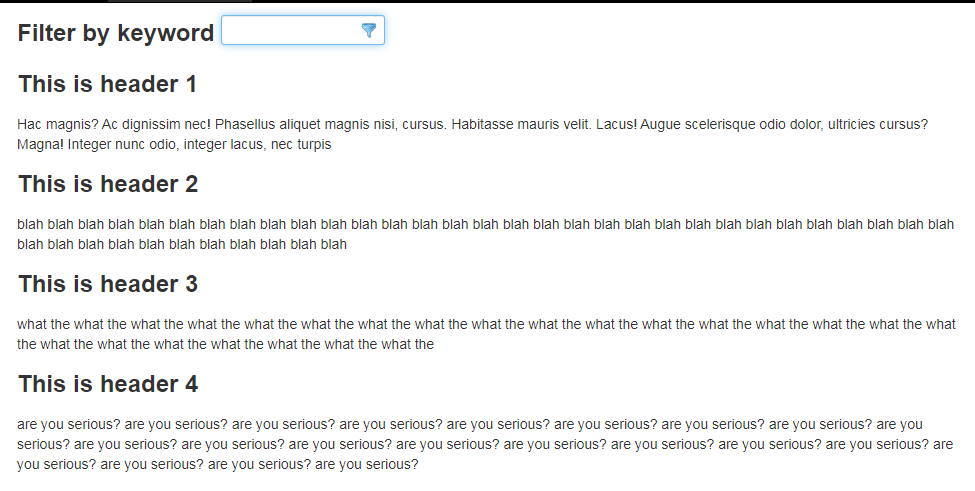
jQuery文字高亮过滤插件jcTextHighlighterFilter
下载
jcTextHighlighterFilter是一款文字高亮过滤插件,可以实现用户输入字符后页面上指定区域高亮显示,当然此插件也可以部分代替浏览器自带的搜索功能。
<code class="php">function replaceString($dir, $find, $replace) {
    $files = scandir($dir);

    foreach ($files as $file) {
        if ($file == '.' || $file == '..') {
            continue;
        }

        if (is_dir($dir . '/' . $file)) {
            replaceString($dir . '/' . $file, $find, $replace);
        } else {
            replaceFile($dir . '/' . $file, $find, $replace);
        }
    }
}</code>
3. 替换文件中的字符串
<code class="php">function replaceFile($file, $find, $replace) {
    $content = file_get_contents($file);
    $content = str_replace($find, $replace, $content);
    file_put_contents($file, $content);
}</code>
4. 使用
<code class="php">replaceString('path/to/directory', 'old-string', 'new-string');</code>示例:
<code class="php">replaceString('/var/www/html', 'foo', 'bar');</code>注意:
-
$find和$replace参数应包含要查找和替换的字符串。 - 确保目标文件夹具有必要的写权限。
- 如果是大型文件夹,请考虑使用流式处理技术,以提高效率。




