



本文以一个简单实例分析了smarty的用法。分享给大家供大家参考。具体分析如下:
smarty建立配置文件、显示文件后即可,配置文件显示文件分开来,使美工跟开发工作能完美分开
配置页面代码:index.php
代码如下:
@header("Content-type: text/html; charset=UTF-8");
require '../libs/Smarty.class.php';
$my=new Smarty;
$my->template_dir ='templates/';
$my->compile_dir ='templates_c/';
$my->config_dir ='configs/';
$my->cache_dir ='cache/';
$my->assign('content','welcome to arrival');
$my->assign('mylife',array("生活","吃饭","梦想","凉风"));
$my->display('kk.html'); //显示smarty目录下的kk.html
?>
kk.html
代码如下:
{$content}
{section name=truelife loop=$mylife}
{$mylife[truelife]}
{/section}
希望本文所述对大家的smarty程序设计有所帮助。
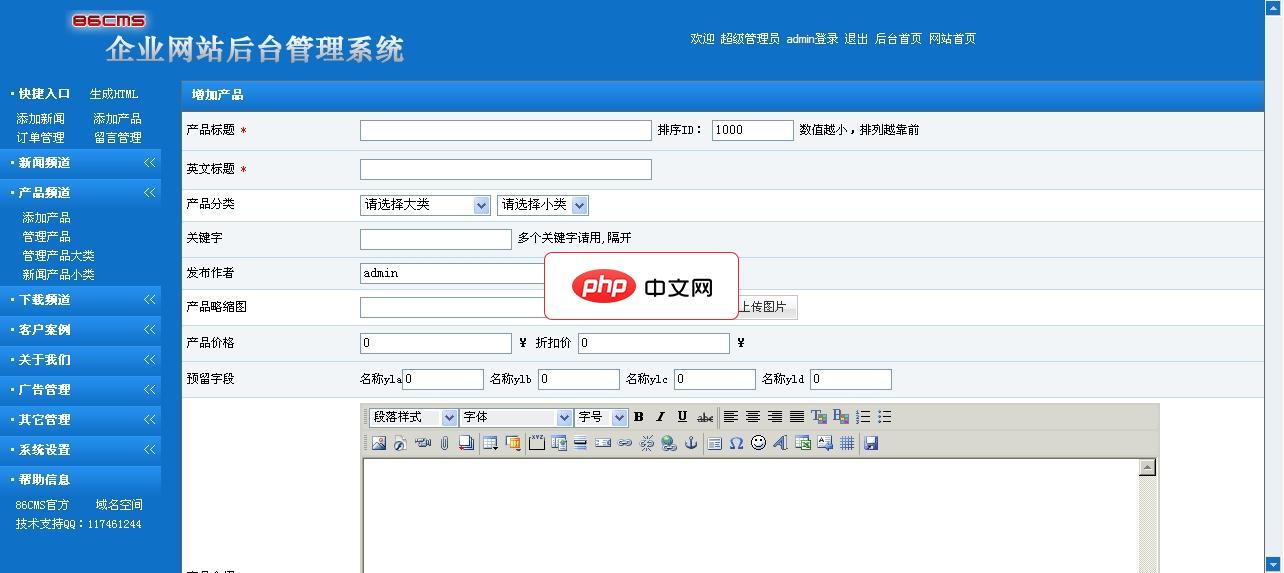
86CMS企业网站系统中英繁三语版1.2
下载
86CMS企业网站系统为智能ASP网站管理程序,适合中小企业自建网站、二次开发使用。本程序具有体积小巧、程序文件结构严谨、界面清爽简单、功能强大、非专业人士使用入门快、中小企业使用投资小等实用特点。本版本为中英繁版本。86CMS企业网站系统中英繁三语版 v1.2 更新1.修正英文版的flash幻灯调用出错问题。2.修正英文版导航菜单设置出错问题。3.增加信息是否显示在中英各版的功能。4.调整首页视




