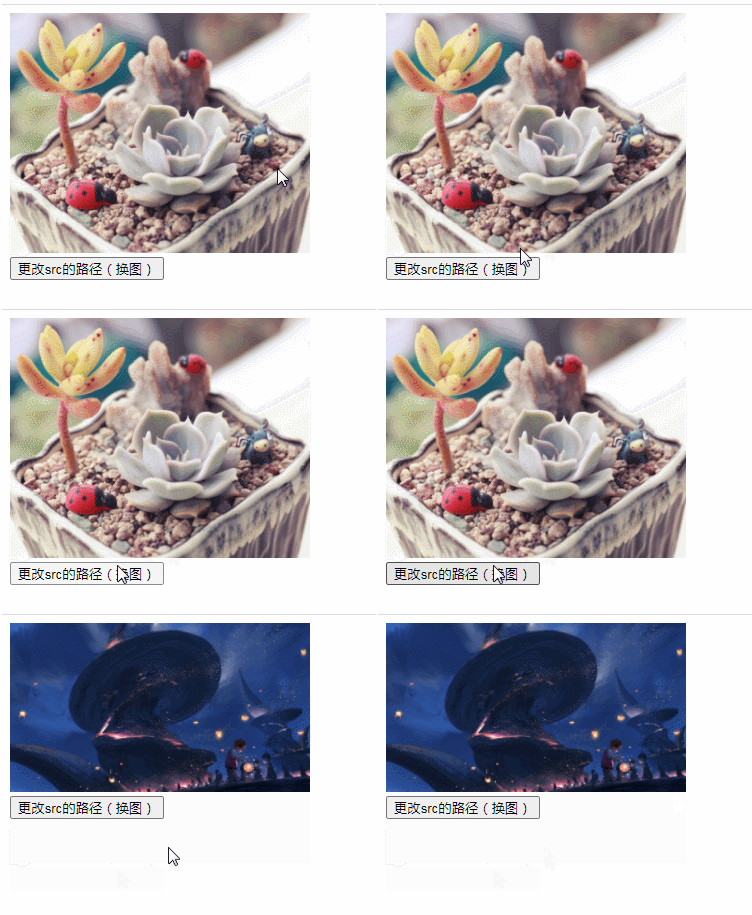
javascript改变src路径的方法:1、利用元素对象的src属性,语法“元素对象.src="新路径地址";”;2、利用setattribute()方法,语法“元素对象.setattribute("src","新路径地址");”。

本教程操作环境:windows7系统、javascript1.8.5版、Dell G3电脑。
JavaScript改变src路径
方法1:利用元素对象的src属性
<!DOCTYPE html>
<html>
	<head>
		<meta charset="utf-8">
	</head>
	<body>
		@@##@@<br>
		<button onclick="myFunction()">更改src的路径(换图)</button>
		<script>
			function myFunction() {
				var img=document.getElementById("img");
				img.src="img/2.jpg";
			}
		</script>
	</body>
</html>
立即学习“Java免费学习笔记(深入)”;
方法2:利用setAttribute()方法
<!DOCTYPE html>
<html>
	<head>
		<meta charset="utf-8">
	</head>
	<body>
		@@##@@<br>
		<button onclick="myFunction()">更改src的路径(换图)</button>
		<script>
			function myFunction() {
				var img=document.getElementById("img");
				img.setAttribute("src","img/3.jpg");
			}
		</script>
	</body>
</html>
【相关推荐:javascript学习教程】