



在react官网下载react.js的方法:首先访问react的github官方页面;然后点击Download页面中的“Download Starter Kit”按钮,进行下载即可。

本教程操作环境:windows7系统、react17.0.1版本,Dell G3电脑。
在react官网下载react.js的方法介绍
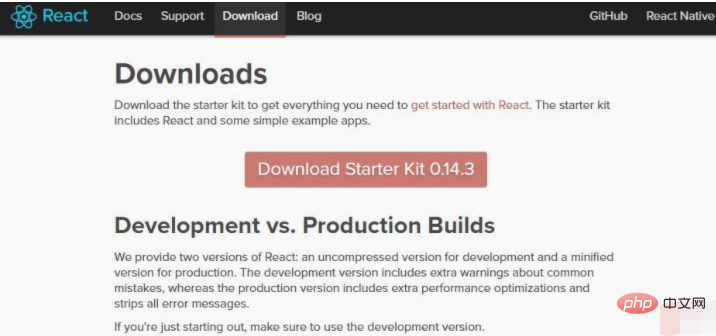
1、访问react的github官方页面
访问地址为:http://react-cn.github.io/react/downloads.html
2、点击Download页面中的"Download Starter Kit"按钮,进行下载

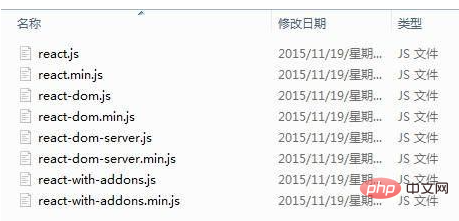
3、解压压缩包
解压后,在build目录中即可看见react.js等文件。
推荐:《react视频教程》




