




通过vscode执行python程序的方法:
先配置 tasks.json :
使用快捷键“ ctrl+shifit+p”打开搜索栏。输入 “Tasks: Configure Task Runner”打开tasks.json
{
    "version": "0.1.0",

    // The command is tsc. Assumes that tsc has been installed using npm install -g typescript
    "command": "C:/Python27/python.exe",

    // The command is a shell script
    "isShellCommand": true,

    // Show the output window only if unrecognized errors occur.
    "showOutput": "always",

    // args is the HelloWorld program to compile.
    "args": ["${file}"]
}
配置完成后使用快捷键“ctrl+shift+B”即可运行.py文件。
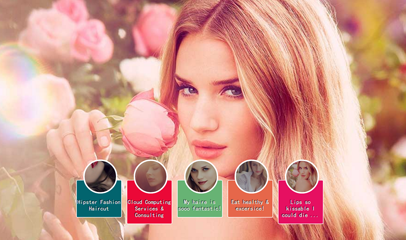
css3全屏大图小图切换焦点图广告代码
下载
此代码么有依靠js文件实现的,而且大图和小图是分开的,这样用户在打开网页的时候能节约不少时间和流量 此代码实现方法也很简单,可以直接把index.html和images下面的文件拷贝到你需要运行的位置,然后保存即可,images下面的大图和小图按照你的需求来改,也可以给大图增加链接。
相关文章教程推荐:vscode教程




