




在使用layui的多图上传时发现没有删除功能
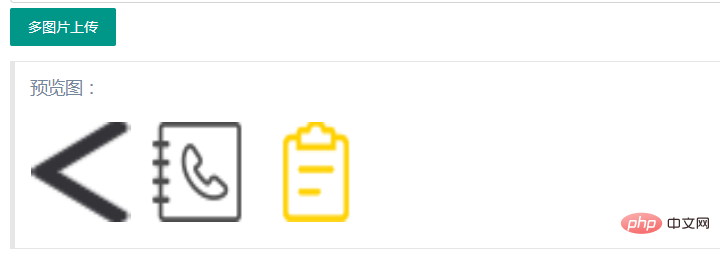
在网上搜索解决办法时有的感觉太复杂有的不符合自己所需要的所以就自己动手
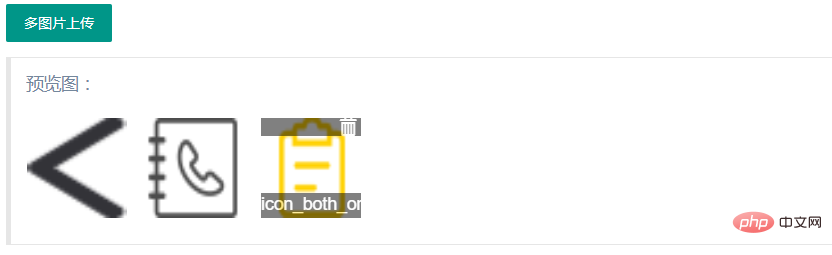
下面附上代码
HTML:

SuperCms在线订餐系统
下载
模板采用响应式设计,自动适应手机,电脑及平板显示;满足单一店铺外卖需求。功能:1.菜单分类管理2.菜品管理:菜品增加,删除,修改3.订单管理4.友情链接管理5.数据库备份6.文章模块:如:促销活动,帮助中心7.单页模块:如:企业信息,关于我们更强大的功能在开发中……安装方法:上传到网站根目录,运行http://www.***.com/install 自动
预览图:
CSS:
js:
upload.render({
            elem: '#test2'
            ,url: ''
            ,multiple: true
            ,before: function(obj){
                layer.msg('图片上传中...', {
                    icon: 16,
                    shade: 0.01,
                    time: 0
                })
            }
            ,done: function(res){
                layer.close(layer.msg());//关闭上传提示窗口
                //上传完毕
                $('#uploader-list').append(
                    '' +
                    '' +
                    '@@##@@' +
                    '' + res.data.title + '' +
                    ''
                );
            }
        });
$(document).on("mouseenter mouseleave", ".file-iteme", function(event){
if(event.type === "mouseenter"){
//鼠标悬浮
$(this).children(".info").fadeIn("fast");
$(this).children(".handle").fadeIn("fast");
}else if(event.type === "mouseleave") {
//鼠标离开
$(this).children(".info").hide();
$(this).children(".handle").hide();
}
}); // 删除图片
$(document).on("click", ".file-iteme .handle", function(event){
$(this).parent().remove();
});thinkphp处理上传文件
public function upload(){
        //exit(ROOT_PATH . 'public' . DS . 'uploads');
        // 获取表单上传文件 例如上传了001.jpg
        $file = request()->file('file');
        // 移动到框架应用根目录/public/uploads/ 目录下
        if($file){
            $info = $file->validate(['size'=>2097152,'ext'=>'jpg,png,gif'])->move(ROOT_PATH . 'public' . DS . 'uploads'); //限定2MB
            if($info){
                $src='./uploads/'.str_replace('\\',"/",$info->getSaveName());
                $image = Image::open($src);
                $image->thumb(750, 750)->save($src);//压缩图片大小
                $res['code']=0;
                $res['msg']='上传成功!';
                $res['data']['src']='/uploads/'.str_replace('\\',"/",$info->getSaveName());
                $res['data']['title']=$info->getFilename();
            }else{
                // 上传失败获取错误信息
                $res['code']=1;
                $res['msg']='上传失败!'.$file->getError();
            }
            return $res;
        }
}更多layui知识请关注PHP中文网layui使用教程栏目。




