



这次给大家带来bootrap+vue实现仿百度搜索界面功能,bootrap+vue实现仿百度搜索界面功能的注意事项有哪些,下面就是实战案例,一起来看一下。
用Vue调用百度的搜索接口,实现简单的搜索功能。
搜索框的样式是基于Bootstrap,当然对样式做了简单的调整, 使之类似于百度搜索。代码如下
<!DOCTYPE html>
<html>
<head>
  <meta charset="utf-8">
  <title>百度搜索</title>
  <style type="text/css">
    .gray{
      background-color: #eee;
    }
    .listyle{
      font-size: 16px;
      line-height: 35px;
      padding-left: 16px;
    }
    .ulstyle{
      border:1px solid #ccc;
      border-top: none;
    }
  </style>
  <link rel="stylesheet" type="text/css" href="bootstrap.min.css" rel="external nofollow" >
  <script type="text/javascript" src="vue.js"></script>
  <script type="text/javascript" src="vue-resource.js"></script>
  <script type="text/javascript">
    window.onload = function(){
      new Vue({
        el: ".container",
        data: {
          myData:[],
          txt:"",
          nowIndex:-1
        },
        methods:{
          get:function(event){
            if(event.keyCode==38 || event.keyCode==40){
              return;
            }
            if(event.keyCode==13){
              window.open("https://www.baidu.com/s?wd="+this.txt);
              this.txt="";
            }
            this.$http.jsonp("https://sp0.baidu.com/5a1Fazu8AA54nxGko9WTAnF6hhy/su",{
              wd:this.txt
            },{
              jsonp:"cb"
            }).then(function(res){
              this.myData=res.data.s
            },function(res){
              alert(res.status);
            });
          },
          changeDown:function(){
            this.nowIndex++;
            if(this.nowIndex==this.myData.length){
              this.nowIndex=0;
              this.txt=this.myData[0];
            }else{
              this.txt=this.myData[this.nowIndex];
            }
          },
          changeUp:function(){
            this.nowIndex--;
            if(this.nowIndex==-1){
              this.nowIndex=this.myData.length-1;
              this.txt=this.myData[this.nowIndex];
            }else{
              this.txt=this.myData[this.nowIndex];
            }
          },
          mouseOver:function(n){
            this.nowIndex=n;
            this.txt=this.myData[this.nowIndex];
          },
          getMsg:function(){
            window.open("https://www.baidu.com/s?wd="+this.txt);
            this.txt="";
          }
        }
      });
    }
  </script>
</head>
<body>
  <br>
  <p class="container">
    <p class="input-group">
      <input type="text" class="form-control input-lg" placeholder="请输入关键字" v-model="txt" @keyup="get($event)" @keydown.down="changeDown()" @keydown.up="changeUp()">
      <span class="input-group-btn">
        <button class="btn btn-default btn-lg" type="button" @click="getMsg()">搜索</button>
      </span>
    </p>
    <ul class="list-unstyled ulstyle" v-show="myData.length!=0">
      <li v-for="item in myData" :class={gray:$index==nowIndex,listyle:true} @mouseover="mouseOver($index)" @click="getMsg()">{{item}}</li>
    </ul>
  </p>
</body>
</html>
相信看了本文案例你已经掌握了方法,更多精彩请关注php中文网其它相关文章!
推荐阅读:
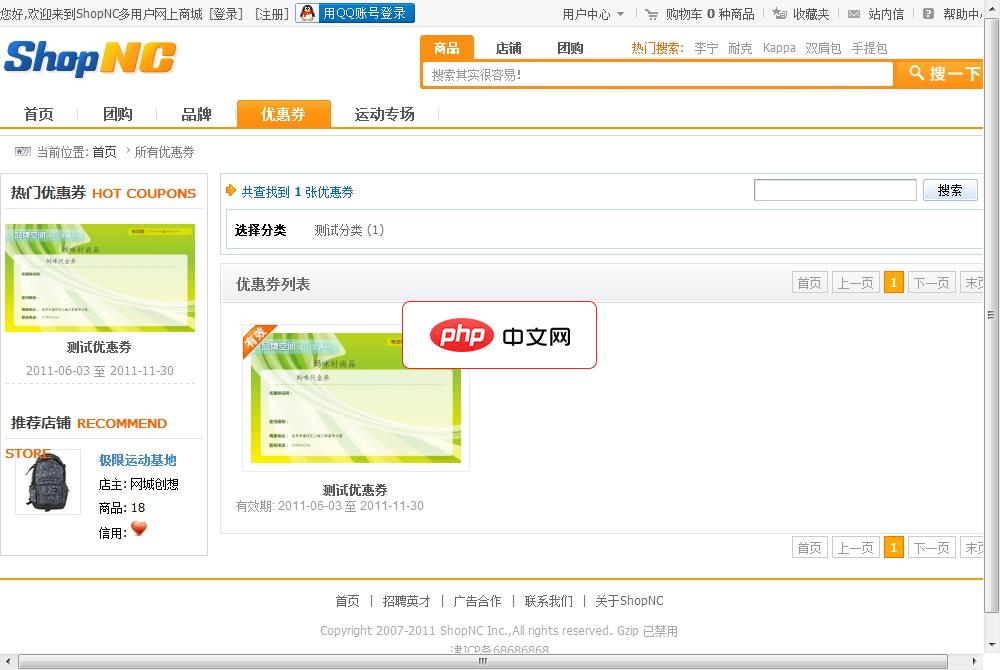
ShopNC多用户商城
下载
ShopNC多用户商城,全新的框架体系,呈现给您不同于以往的操作模式,更简约的界面,更流畅的搜索机制,更具人性化的管理后台操作,更适应现在网络的运营模式解决方案,为您的创业之路打下了坚实的基础,你们的需求就是我们的动力。我们在原有的C-C模式的基础上更增添了时下最流行的团购频道,进一步的为您提高用户的活跃度以及黏性提供帮助。ShopNC商城系统V2.4版本新增功能及修改功能如下:微商城频道A、商城
立即学习“前端免费学习笔记(深入)”;
 node.js和ES6的exports、module.exports使用详解




