



[root@cdcloud ~]#service mysqld restart
Stopping MySQL: [FAILED]
Initializing MySQLdatabase: Installing MySQL systemtables...
OK
Filling helptables...
OK
To start mysqld atboot time you have to copy
support-files/mysql.serverto the right place for your system
PLEASE REMEMBER TOSET A PASSWORD FOR THE MySQL root USER !
To do so, start theserver, then issue the following commands:
/usr/bin/mysqladmin-u root password 'new-password'
/usr/bin/mysqladmin-u root -h cdcloud.org password 'new-password'
See the manual formore instructions.
You can start theMySQL daemon with:
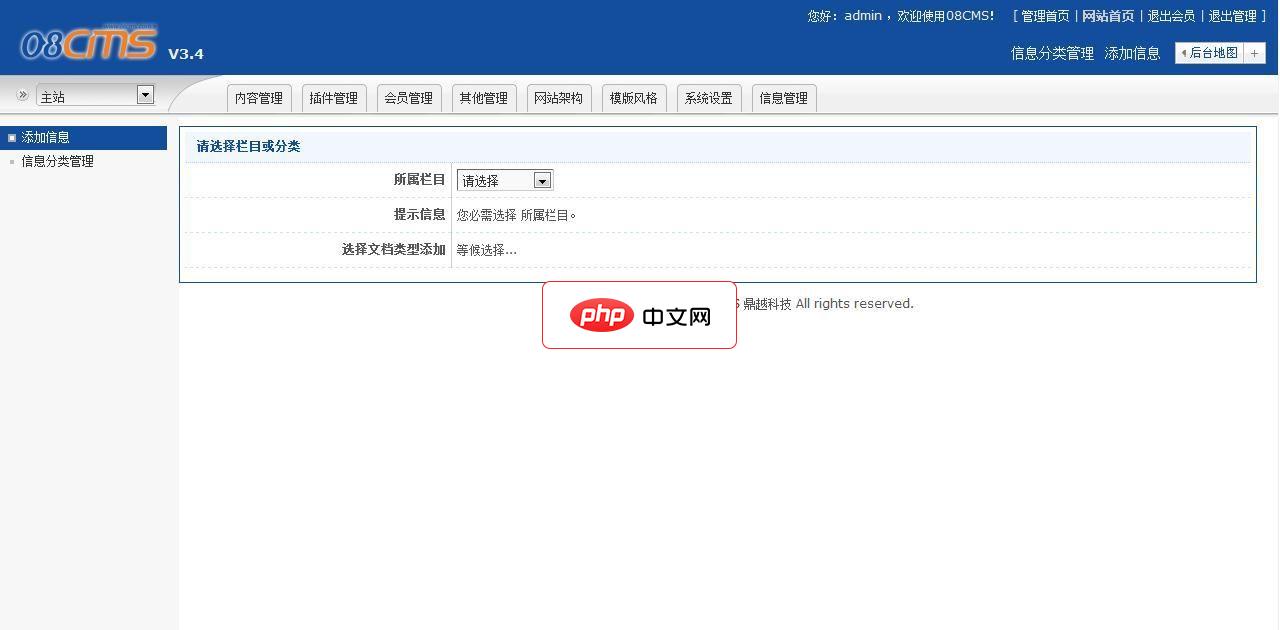
08cms企业建站系统是基于08cmsv3.4核心程序,通过系统架构,模板制作,并根据此系统的功能和操作流程进行了代码优化。由08cms官方团队开发。安装链接:install.php、管理后台链接:admina.php日常管理请不要使用创始人帐号(admin),系统内置有内容管理帐号08cms:密码08cms系统特点:1、系统可自动生成静态页面;2、根据企业系统的特点,基于08cms V3.4核心
cd /usr ;/usr/bin/mysqld_safe &
You can test theMySQL daemon with mysql-test-run.pl
cd mysql-test ; perlmysql-test-run.pl
Please report anyproblems with the /usr/bin/mysqlbug script!
The latestinformation about MySQL is available on the web at
http://www.mysql.com
Support MySQL bybuying support/licenses at http://shop.mysql.com
[ OK ]
Starting MySQL: [ OK ]
/usr/bin/mysqladmin-u root password 'passwd@'




