


在 laravel 中,当 formrequest 验证失败时,默认重定向会丢失原始请求上下文(如 `$product` 对象)。本文详解如何通过重写 `getredirecturl()` 和 `with()` 方法,将模型数据安全、可靠地传递回视图。
在 Laravel 的表单验证流程中,FormRequest 类承担着验证与自动重定向的职责。但其默认行为仅支持跳转至预设路由(如 protected $redirectRoute),不支持携带复杂数据(如 Eloquent 模型对象)返回视图——这导致验证失败后,uploadimage.blade.php 中的 {{ $product->name }} 因 $product 为 null 而报错。
根本原因在于:FormRequest 的重定向由底层 Illuminate\Foundation\Http\FormRequest 的 failedValidation() 方法触发,它最终调用 redirector()->back() 或 redirector()->to($url),而这些方法本身不自动继承控制器中通过 with() 传递的闪存数据。
✅ 正确解决方案是:在 StoreImageRequest 中重写 getRedirectUrl() 并配合 with() 方法显式注入模型数据。
✅ 推荐实现方式(推荐使用 with() + route())
修改你的 StoreImageRequest.php,添加以下两个方法:
// app/Http/Requests/StoreImageRequest.php

use Illuminate\Http\RedirectResponse;
use Illuminate\Support\Facades\Redirect;

// ... 其他代码保持不变 ...

/**
 * 获取验证失败时的重定向 URL,并附带 $product 数据
 *
 * @return RedirectResponse
 */
protected function getRedirectUrl()
{
    // 从当前路由参数中提取 product_id(假设路由定义为: store/{product}/images)
    $productId = $this->route('product'); // 或 $this->route('product_id'),取决于路由参数名

    // 使用 redirect()->route() 并链式调用 with() 传递模型
    return redirect()
        ->route('images.create', ['product' => $productId])
        ->with('product', $this->getProduct());
}

/**
 * 辅助方法:从请求中获取 Product 模型实例(需确保模型已绑定或可解析)
 *
 * @return \App\Models\Product|null
 */
protected function getProduct()
{
    // 方式1:若路由隐式绑定(Route Model Binding),直接从请求参数取
    if ($this->route()->parameter('product')) {
        return $this->route()->parameter('product');
    }

    // 方式2:手动查询(更稳妥,适用于非绑定场景)
    $productId = $this->route('product') ?? $this->input('product_id');
    return $productId ? \App\Models\Product::find($productId) : null;
}
⚠️ 注意事项:确保你的路由已正确定义并命名,例如: // routes/web.php Route::get('/products/{product}/images/create', [ImageController::class, 'create'])->name('images.create');with('product', ...) 会将模型序列化为数组并存入 session(Laravel 自动处理 Eloquent 模型的可序列化),视图中仍可通过 $product->name 访问属性。若使用 with() 传递模型,无需在控制器中重复 with() —— FormRequest 已接管重定向逻辑。
✅ 替代方案:重写 failedValidation()(高级控制)
如需更精细控制(例如添加错误提示、合并多个数据),可完全自定义失败处理:
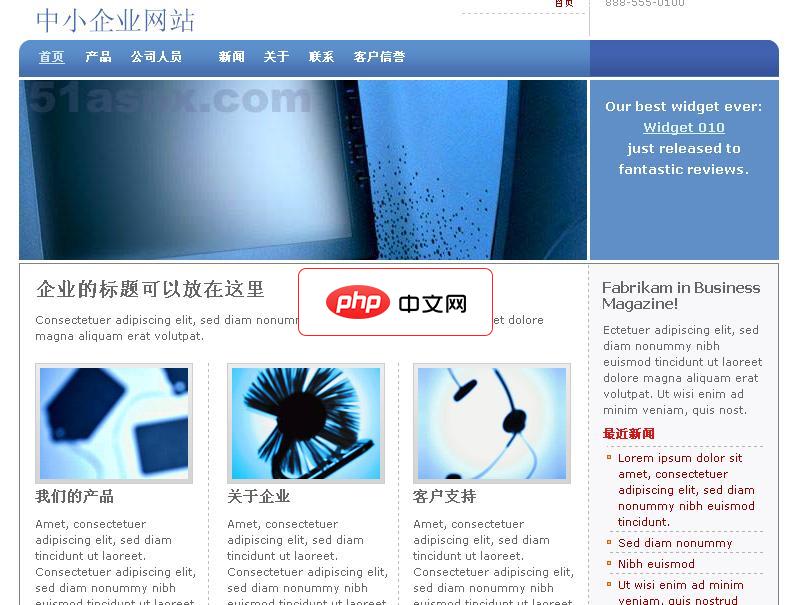
小型企业入门套件(The Small Business Starter Kit)提供了一个商业宣传网站的完整演示,他适合中小型企业。使用他创建的网站支持自定义模板,具有先进的功能,包括:内容和数据管理的SQL和XML数据源整合。该源码包含C#和VB两个版本,只有前台部分源码,微软官方截止到51aspx发布源码时还没有提供后台代码。小型企业网站入门套件的关键页面包括:产品分类显示新闻发布显示商户认证
use Illuminate\Contracts\Validation\Validator;
use Illuminate\Http\Exceptions\HttpResponseException;

protected function failedValidation(Validator $validator)
{
    $productId = $this->route('product');
    $product = $productId ? \App\Models\Product::find($productId) : null;

    throw new HttpResponseException(
        redirect()
            ->route('images.create', ['product' => $productId])
            ->withErrors($validator)
            ->with('product', $product)
            ->withInput()
    );
}
✅ 视图层兼容性保障
由于 with('product', $model) 将模型存入 session 并在下一次请求中可用,你的 Blade 模板无需修改,依然安全使用:
{{-- uploadimage.blade.php --}}
@if($product)
    <p>Producto: {{ $product->name }}</p>
    <p>ID: {{ $product->id }}</p>
    <p>Marca: {{ $product->brand }}</p>
@else
    <div class="alert alert-warning">Producto no encontrado.</div>
@endif
✅ 总结:
Laravel 的 FormRequest 并非“黑盒”,它提供 getRedirectUrl() 和 failedValidation() 等钩子方法,允许开发者深度定制验证失败后的响应行为。通过结合 redirect()->route()->with(),你既能保持验证逻辑的清晰分离,又能无缝延续业务上下文(如 $product),避免控制器冗余代码,真正践行 Laravel 的“约定优于配置”哲学。




