一、功能与环境说明
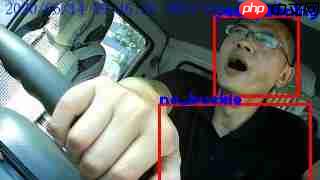
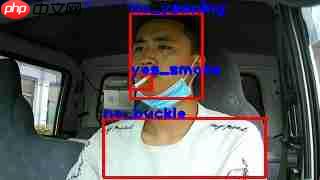
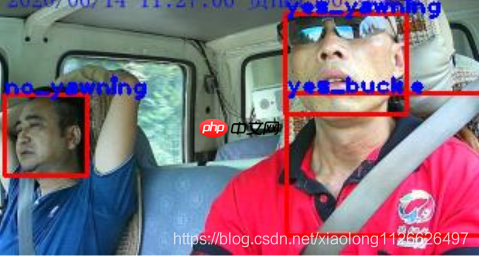
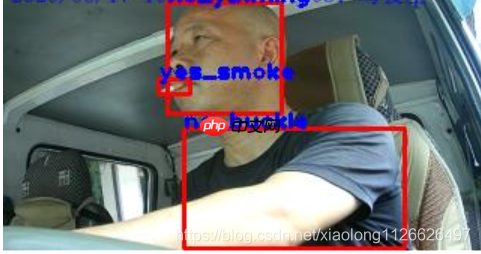
程序功能简介: 利用yolo进行训练,通过OpenCV调用实现对打哈欠、使用手机、抽烟、系安全带以及佩戴口罩的检测。
已测试的系统环境包括: Windows系统、Linux系统、32位嵌入式Linux系统、64位嵌入式Linux系统。
已测试的硬件环境包括: 普通笔记本电脑(搭载i3、i5、i7处理器)、RK3399、树莓派4B。
yolo环境搭建方法:请参考https://pjreddie.com/darknet/yolo/
darknet框架安装教程:请参考https://pjreddie.com/darknet/install/
二、OpenCV调用代码
2.1 .h头文件代码

#ifndef SDK_THREAD_H
#define SDK_THREAD_H
<h1>include <qthread></h1><h1>include <qimage></h1><h1>include "opencv2/core/core.hpp"</h1><h1>include "opencv2/core/core_c.h"</h1><h1>include "opencv2/objdetect.hpp"</h1><h1>include "opencv2/highgui.hpp"</h1><h1>include "opencv2/imgproc.hpp"</h1><h1>include <fstream></h1><h1>include <sstream></h1><h1>include <iostream></h1><h1>include <opencv2></h1><h1>include <opencv2></h1><h1>include <vector></h1><h1>include <qdebug></h1><p>using namespace cv;
using namespace std;
using namespace dnn;</p><p>//视频音频编码线程
class SDK_Thread: public QThread
{
Q_OBJECT
public:
void postprocess(Mat& frame, const vector<Mat>& outs, float confThreshold, float nmsThreshold);
void drawPred(int classId, float conf, int left, int top, int right, int bottom, Mat& frame);
vector<string> getOutputsNames(Net&net);
QImage Mat2QImage(const Mat& mat);
Mat QImage2cvMat(QImage image);
protected:
void run();
signals:
void LogSend(QString text);
void VideoDataOutput(QImage); //输出信号
};</p><p>extern QImage save_image;
extern bool sdk_run_flag;
extern string names_file;
extern String model_def;
extern String weights;</p><h1>endif // SDK_THREAD_H
2.2 .cpp文件代码
#include "sdk_thread.h"</h1><p>QImage save_image; //用于行为分析的图片
bool sdk_run_flag=1;</p><p>Mat SDK_Thread::QImage2cvMat(QImage image)
{
Mat mat;
switch(image.format())
{
case QImage::Format_ARGB32:
case QImage::Format_RGB32:
case QImage::Format_ARGB32_Premultiplied:
mat = Mat(image.height(), image.width(), CV_8UC4, (void<em>)image.constBits(), image.bytesPerLine());
break;
case QImage::Format_RGB888:
mat = Mat(image.height(), image.width(), CV_8UC3, (void</em>)image.constBits(), image.bytesPerLine());
cvtColor(mat, mat, CV_BGR2RGB);
break;
case QImage::Format_Indexed8:
mat = Mat(image.height(), image.width(), CV_8UC1, (void*)image.constBits(), image.bytesPerLine());
break;
}
return mat;
}</p><p>QImage SDK_Thread::Mat2QImage(const Mat& mat)
{
// 8-bits unsigned, NO. OF CHANNELS = 1
if(mat.type() == CV_8UC1)
{
QImage image(mat.cols, mat.rows, QImage::Format_Indexed8);
// Set the color table (used to translate colour indexes to qRgb values)
image.setColorCount(256);
for(int i = 0; i < 256; i++)
{
image.setColor(i, qRgb(i, i, i));
}
// Copy input Mat
uchar <em>pSrc = mat.data;
for(int row = 0; row < mat.rows; row ++)
{
uchar </em>pDest = image.scanLine(row);
memcpy(pDest, pSrc, mat.cols);
pSrc += mat.step;
}
return image;
}
// 8-bits unsigned, NO. OF CHANNELS = 3
else if(mat.type() == CV_8UC3)
{
// Copy input Mat
const uchar <em>pSrc = (const uchar</em>)mat.data;
// Create QImage with same dimensions as input Mat
QImage image(pSrc, mat.cols, mat.rows, mat.step, QImage::Format_RGB888);
return image.rgbSwapped();
}
else if(mat.type() == CV_8UC4)
{
// Copy input Mat
const uchar <em>pSrc = (const uchar</em>)mat.data;
// Create QImage with same dimensions as input Mat
QImage image(pSrc, mat.cols, mat.rows, mat.step, QImage::Format_ARGB32);
return image.copy();
}
else
{
return QImage();
}
}</p><p>vector<string> SDK_Thread::getOutputsNames(Net&net)
{
static vector<string> names;
if (names.empty())
{
//Get the indices of the output layers, i.e. the layers with unconnected outputs
vector<int> outLayers = net.getUnconnectedOutLayers();
//get the names of all the layers in the network
vector<string> layersNames = net.getLayerNames();
// Get the names of the output layers in names
names.resize(outLayers.size());
for (size_t i = 0; i < outLayers.size(); ++i)
{
names[i] = layersNames[outLayers[i] - 1];
}
}
return names;
}</p><p>void SDK_Thread::postprocess(Mat& frame, const vector<Mat>& outs, float confThreshold, float nmsThreshold)
{
vector<int> classIds;
vector<float> confidences;
vector<Rect> boxes;
for (size_t i = 0; i < outs.size(); ++i)
{
// Scan through all the bounding boxes output from the network and keep only the
// ones with high confidence scores. Assign the box's class label as the class with the highest score.
float<em> data = (float</em>)outs[i].data;
for (int j = 0; j < outs[i].rows; ++j, data += outs[i].cols)
{
Mat scores = outs[i].row(j).colRange(5, outs[i].cols);
Point classIdPoint;
double confidence;
// Get the value and location of the maximum score
minMaxLoc(scores, 0, &confidence, 0, &classIdPoint);
if (confidence > confThreshold)
{
int centerX = (int)(data[0] <em> frame.cols);
int centerY = (int)(data[1] </em> frame.rows);
int width = (int)(data[2] <em> frame.cols);
int height = (int)(data[3] </em> frame.rows);
int left = centerX - width / 2;
int top = centerY - height / 2;
classIds.push_back(classIdPoint.x);
confidences.push_back((float)confidence);
boxes.push_back(Rect(left, top, width, height));
}
}
}
// Perform non maximum suppression to eliminate redundant overlapping boxes with
// lower confidences
vector<int> indices;
NMSBoxes(boxes, confidences, confThreshold, nmsThreshold, indices);
for (size_t i = 0; i < indices.size(); ++i)
{
int idx = indices[i];
Rect box = boxes[idx];
drawPred(classIds[idx], confidences[idx], box.x, box.y,
box.x + box.width, box.y + box.height, frame);
}
}</p><p>void SDK_Thread::run()
{
Net net = readNetFromDarknet(model_def, weights);
net.setPreferableBackend(DNN_BACKEND_OPENCV);
net.setPreferableTarget(DNN_TARGET_CPU);</p><pre class="brush:php;toolbar:false;"><code>ifstream ifs(names_file.c_str());
string line;
vector<string> classes;
while (getline(ifs, line)) classes.push_back(line);

Mat frame, blob;
int inpWidth = 416;
int inpHeight = 416;
float thresh = 0.5;
float nms_thresh = 0.4;

while(sdk_run_flag)
{
    //capture >> frame;
    //得到源图片
    //use_image.load("D:/linux-share-dir/car_1.jpg");
    frame_src=QImage2cvMat(save_image);
    cvtColor(frame_src, frame, CV_RGB2BGR);
    //frame=imread("D:/linux-share-dir/car_1.jpg");
    //frame=imread("D:/linux-share-dir/5.jpg");
    //in_w=save_image.width();
    //in_h=save_image.height();
    blobFromImage(frame, blob, 1/255.0, cvSize(inpWidth, inpHeight), Scalar(0,0,0), true, false);
    vector<Mat> mat_blob;
    imagesFromBlob(blob, mat_blob);
    //Sets the input to the network
    net.setInput(blob);
    // 运行前向传递以获取输出层的输出
    vector<Mat> outs;
    net.forward(outs, getOutputsNames(net));
    postprocess(frame, outs, thresh, nms_thresh);
    vector<double> layersTimes;
    double freq = getTickFrequency() / 1000;
    double t = net.getPerfProfile(layersTimes) / freq;
    // string label = format("time : %.2f ms", t);
    //putText(frame, label, Point(0, 15), FONT_HERSHEY_SIMPLEX, 0.5, Scalar(0, 0, 255));
    LogSend(tr("识别结束---消耗的时间:%1 秒\n").arg(t/1000));
    //得到处理后的图像
    use_image=Mat2QImage(frame);
    use_image=use_image.rgbSwapped();
    VideoDataOutput(use_image.copy());
}
}
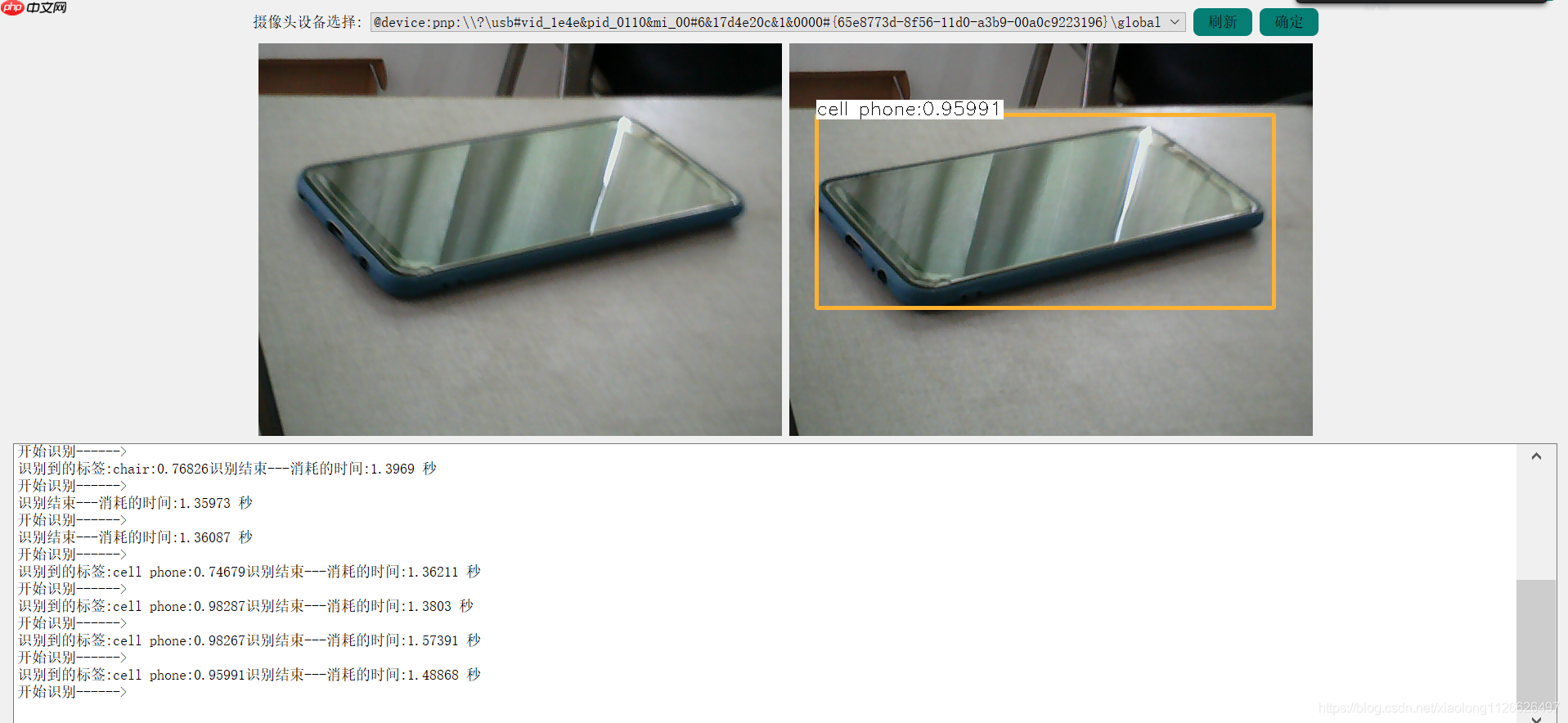
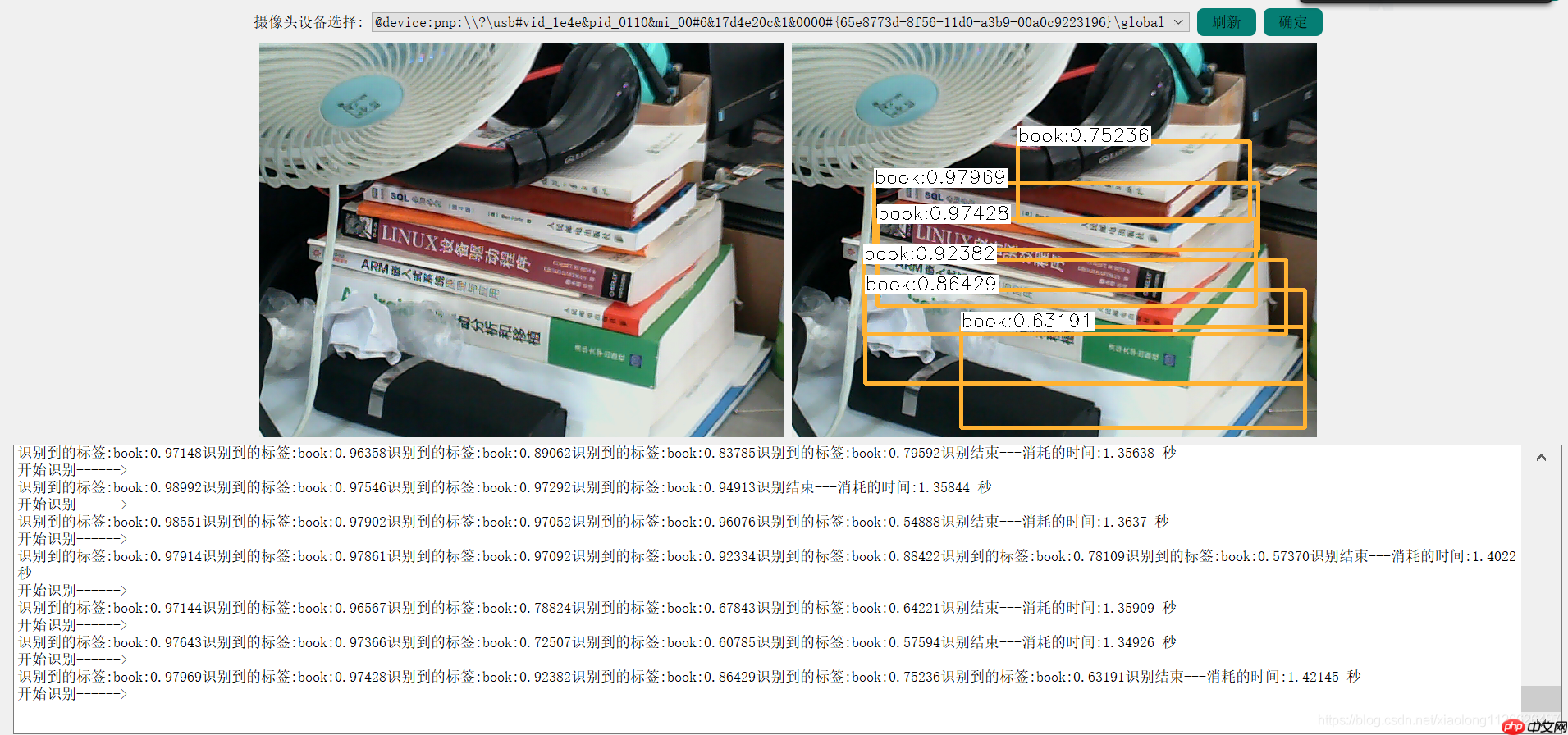
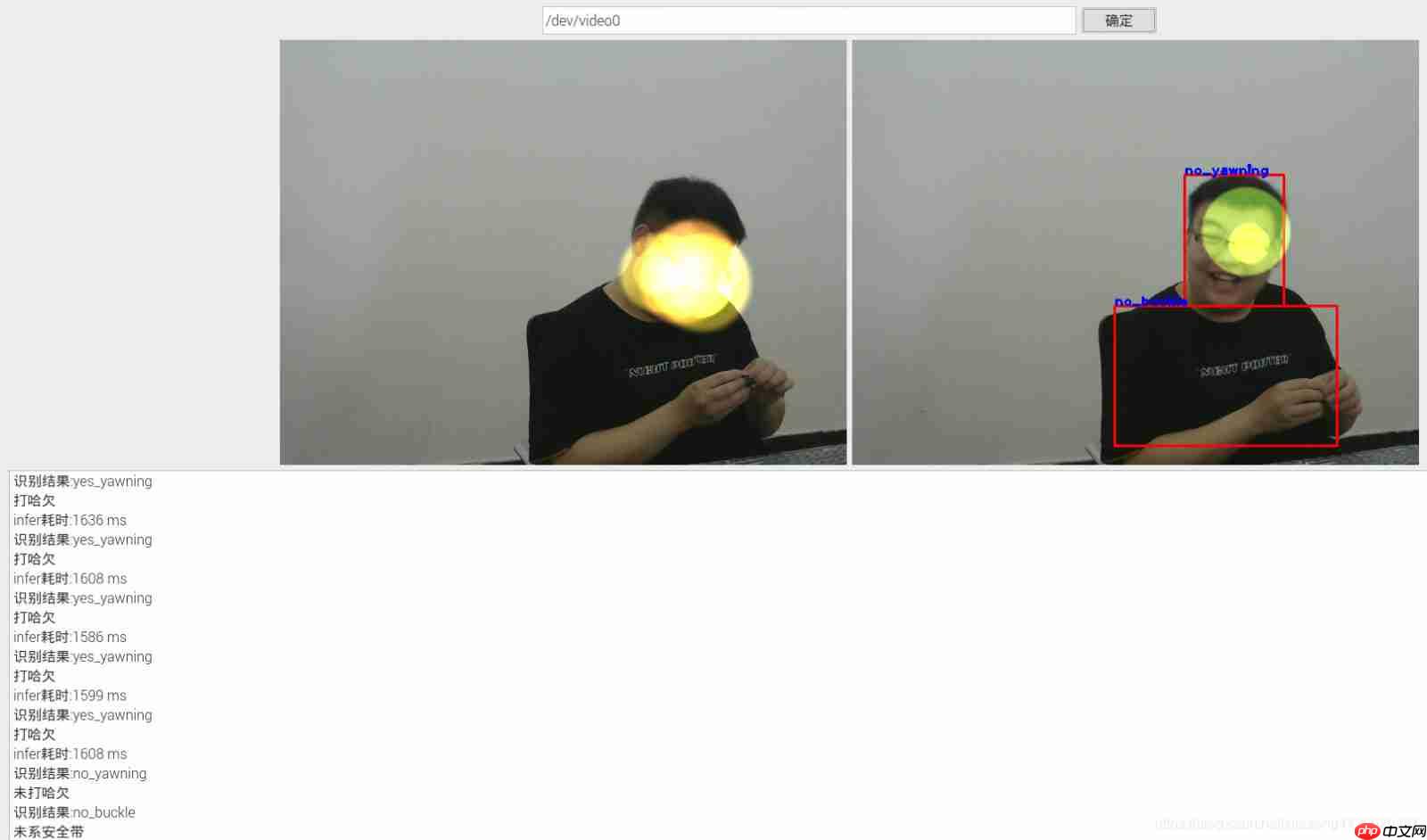
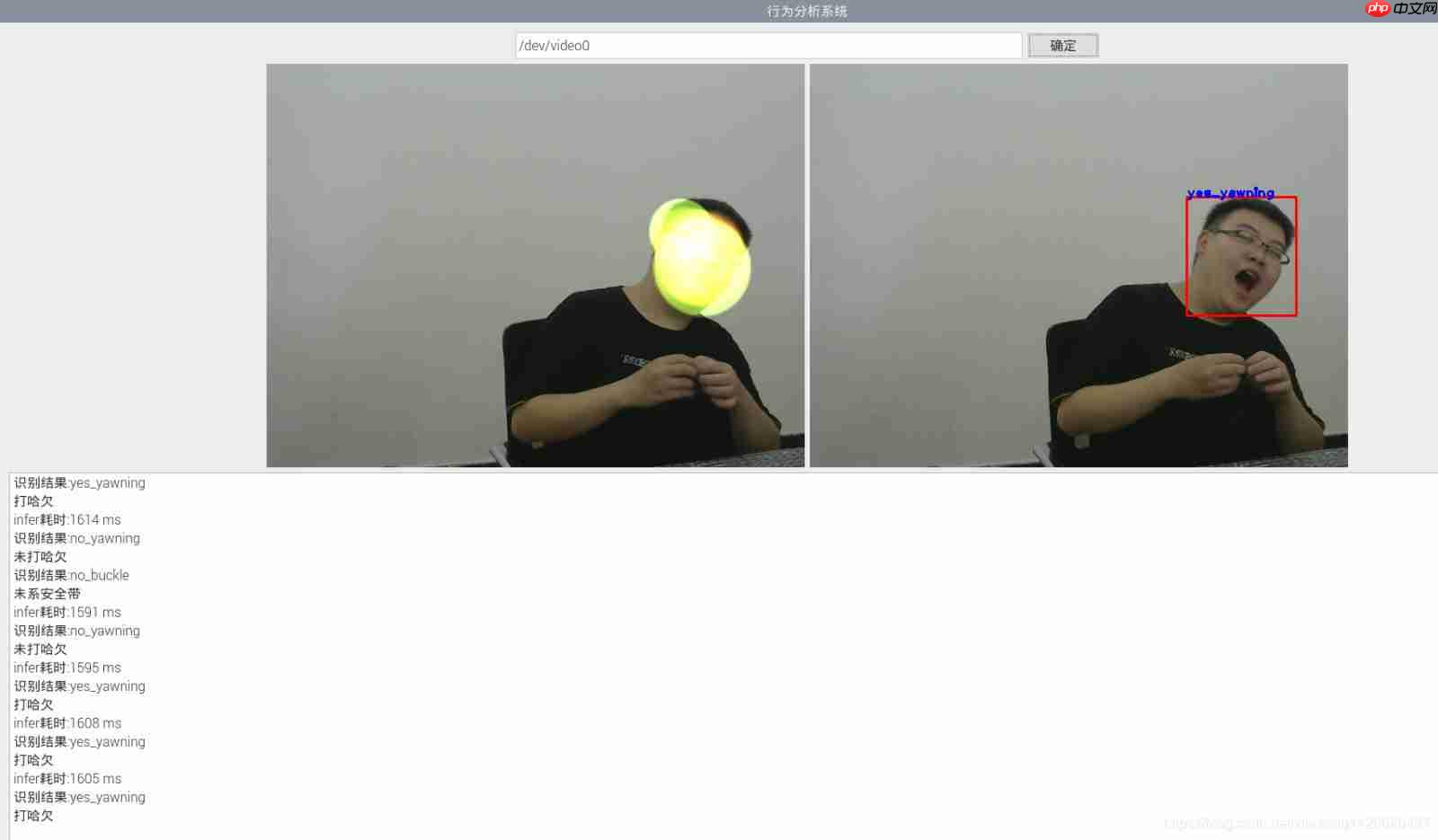
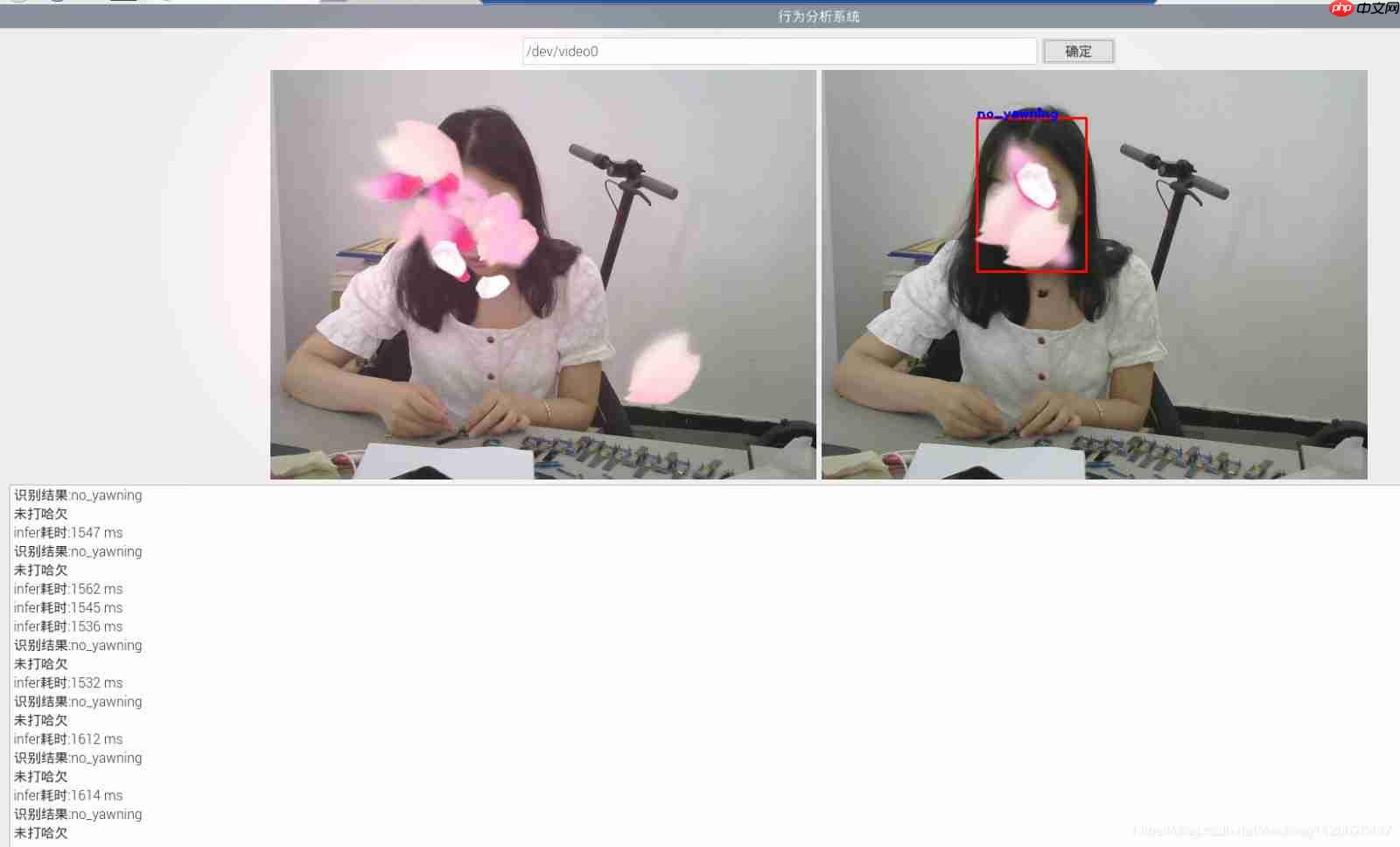
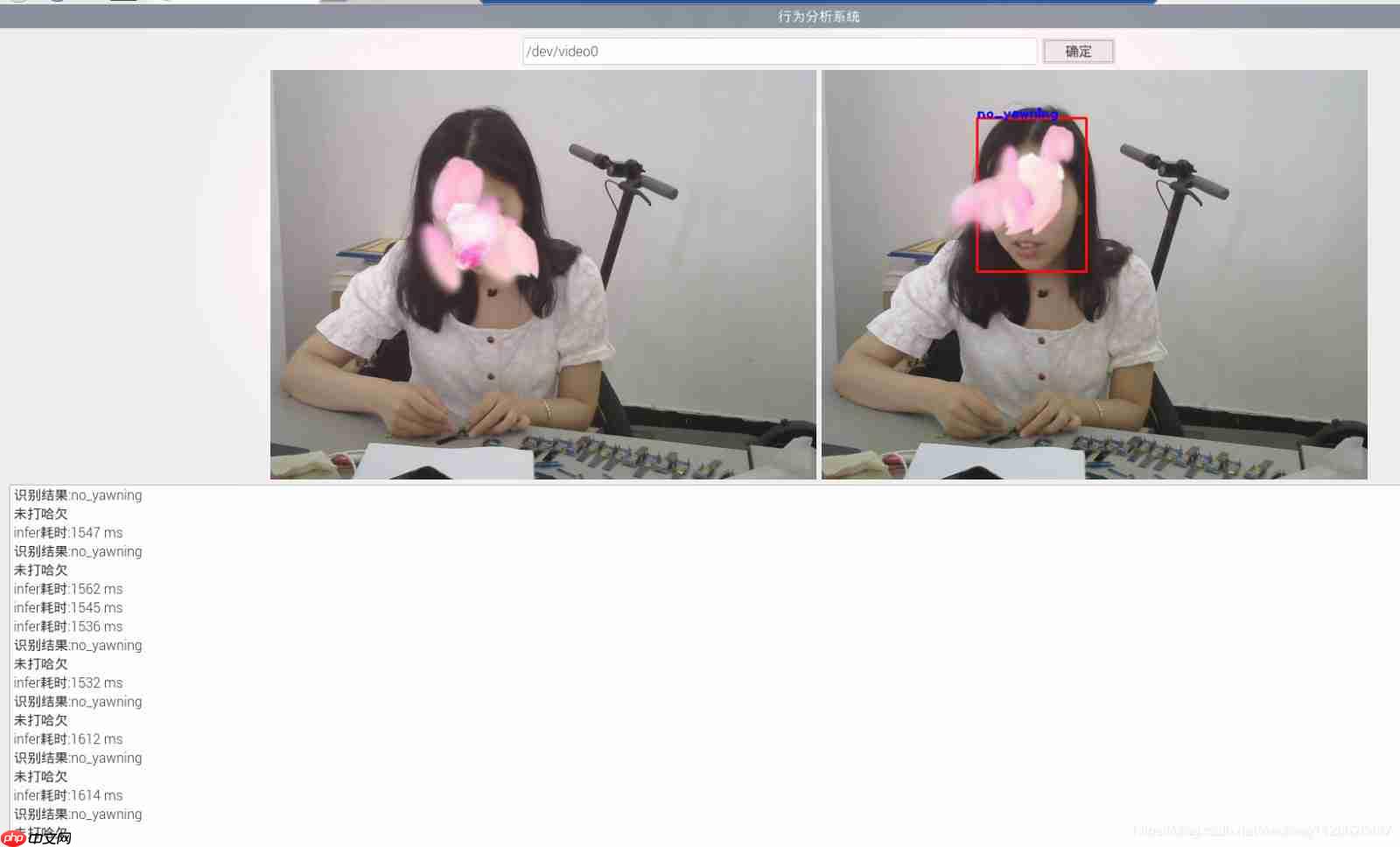
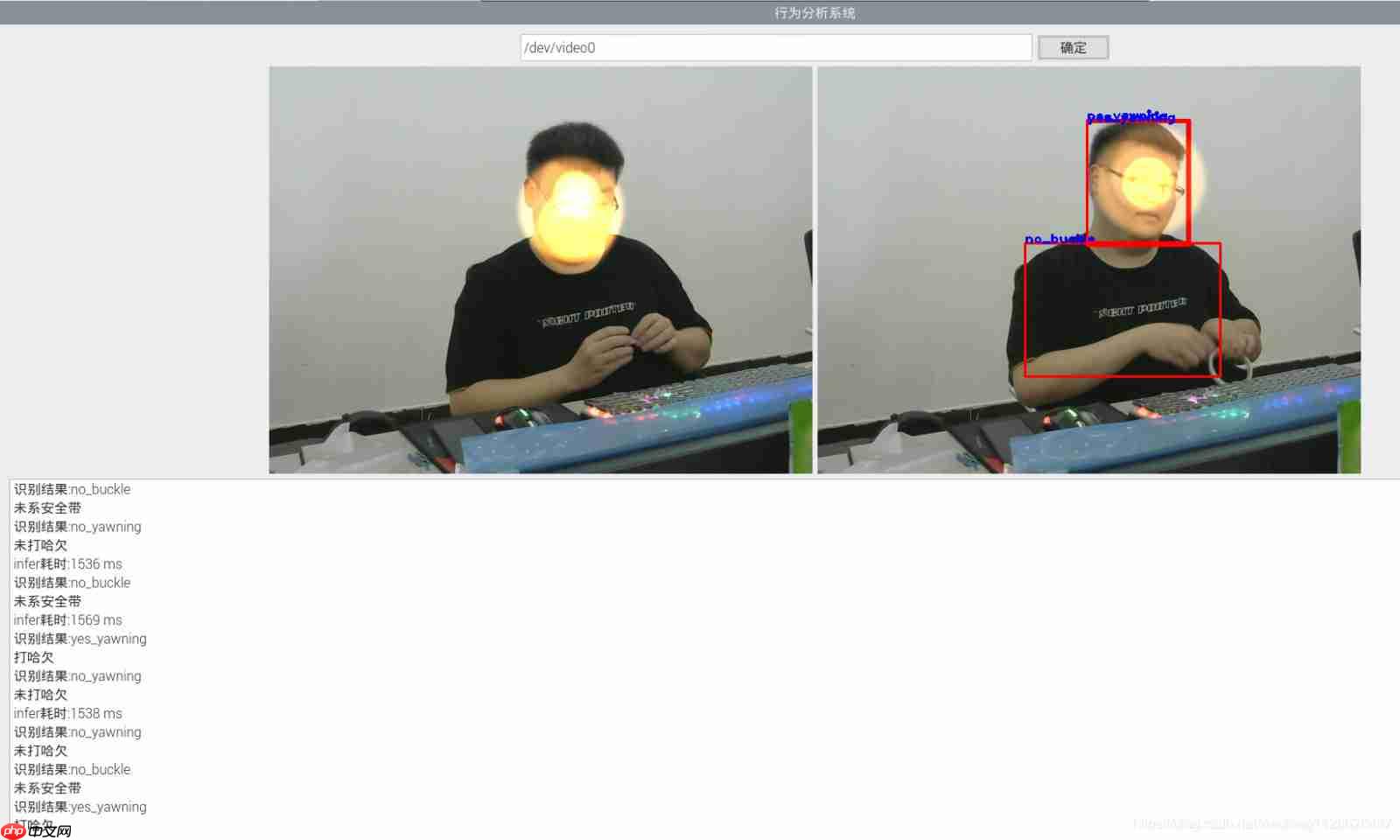
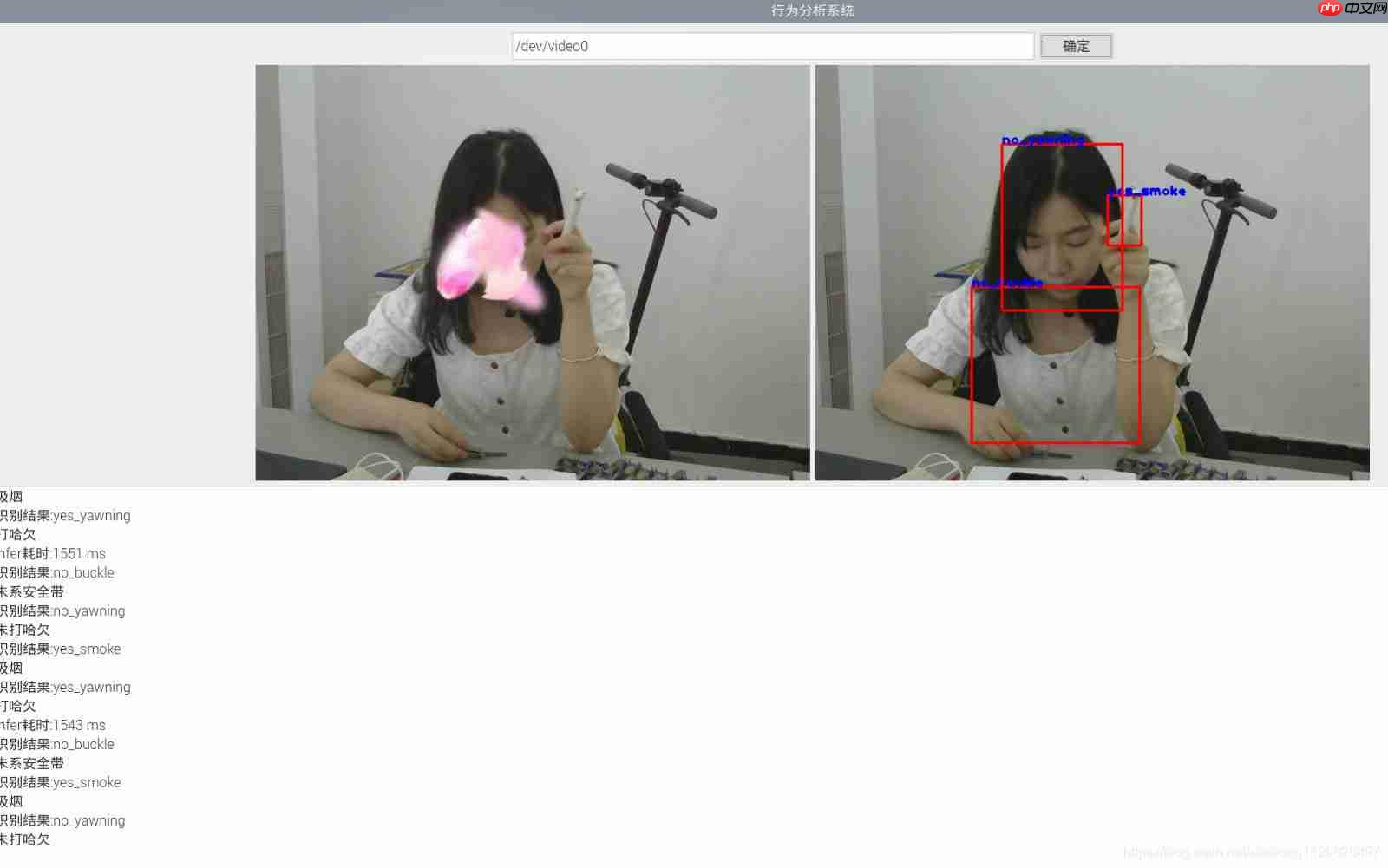
三、开发测试效果图

四、车载角度测试效果图