



本文旨在介绍如何在 Android 应用中,将一个 RecyclerView Adapter 中的数据传递到另一个 RecyclerView Adapter 中,类似于购物车应用中从商品列表页到购物车页面的数据传递。我们将探讨使用状态管理工具 Redux 和静态变量两种方法,并分析其优缺点,帮助开发者选择最适合自己项目的方法。
在 Android 开发中,经常需要在不同的 RecyclerView Adapter 之间共享数据,例如将商品列表页面的商品信息传递到购物车页面。本文将介绍两种常用的方法:使用状态管理工具 Redux 和使用静态变量。
方法一:使用状态管理工具 Redux
Redux 是一种流行的状态管理模式,它可以集中管理应用的状态,并提供可预测的状态更新机制。使用 Redux 可以方便地在不同的组件之间共享数据,包括 RecyclerView Adapter。
优点:
- 数据集中管理: 所有数据都存储在一个地方,易于维护和调试。
- 可预测的状态更新: 通过 Redux 的 action 和 reducer 机制,可以保证状态更新的可预测性。
- 易于测试: Redux 的纯函数特性使得测试更加容易。
- 适用于大型项目: Redux 的架构可以很好地适应大型项目的复杂性。
缺点:
- 学习曲线较陡峭: Redux 的概念和使用方法相对复杂,需要一定的学习成本。
- 代码量较多: 相比于其他方法,使用 Redux 需要编写更多的代码。
- 可能过度设计: 对于小型项目,使用 Redux 可能会显得过度设计。
示例代码(概念性):
虽然完整的 Redux 实现较为复杂,但以下代码片段展示了其核心思想:
// 定义 Action
interface Action {
    String type;
    Object payload;
}

// 定义 Reducer
interface Reducer<State> {
    State reduce(State previousState, Action action);
}

// 定义 Store
interface Store<State> {
    State getState();
    void dispatch(Action action);
    void subscribe(Listener listener);
}

// 在 RecyclerView Adapter 中使用
public class ProductListAdapter extends RecyclerView.Adapter<ProductListAdapter.ViewHolder> {
    private Store<AppState> store;

    public ProductListAdapter(Store<AppState> store) {
        this.store = store;
    }

    // ...

    @Override
    public void onBindViewHolder(ViewHolder holder, int position) {
        Product product = products.get(position);
        holder.button.setOnClickListener(v -> {
            // 创建 Action,将商品信息添加到购物车
            Action addToCartAction = new AddToCartAction(product);
            store.dispatch(addToCartAction);
        });
    }
}

public class CartListAdapter extends RecyclerView.Adapter<CartListAdapter.ViewHolder> {
    private Store<AppState> store;

    public CartListAdapter(Store<AppState> store) {
        this.store = store;
    }

    // ...

    @Override
    public void onBindViewHolder(ViewHolder holder, int position) {
        // 从 Store 中获取购物车数据
        List<Product> cartItems = store.getState().getCartItems();
        Product product = cartItems.get(position);
        // ...
    }
}
注意: 上述代码只是一个概念性的示例,实际使用 Redux 需要引入相应的库,并实现 Action、Reducer 和 Store。 例如,可以使用 Reductor。
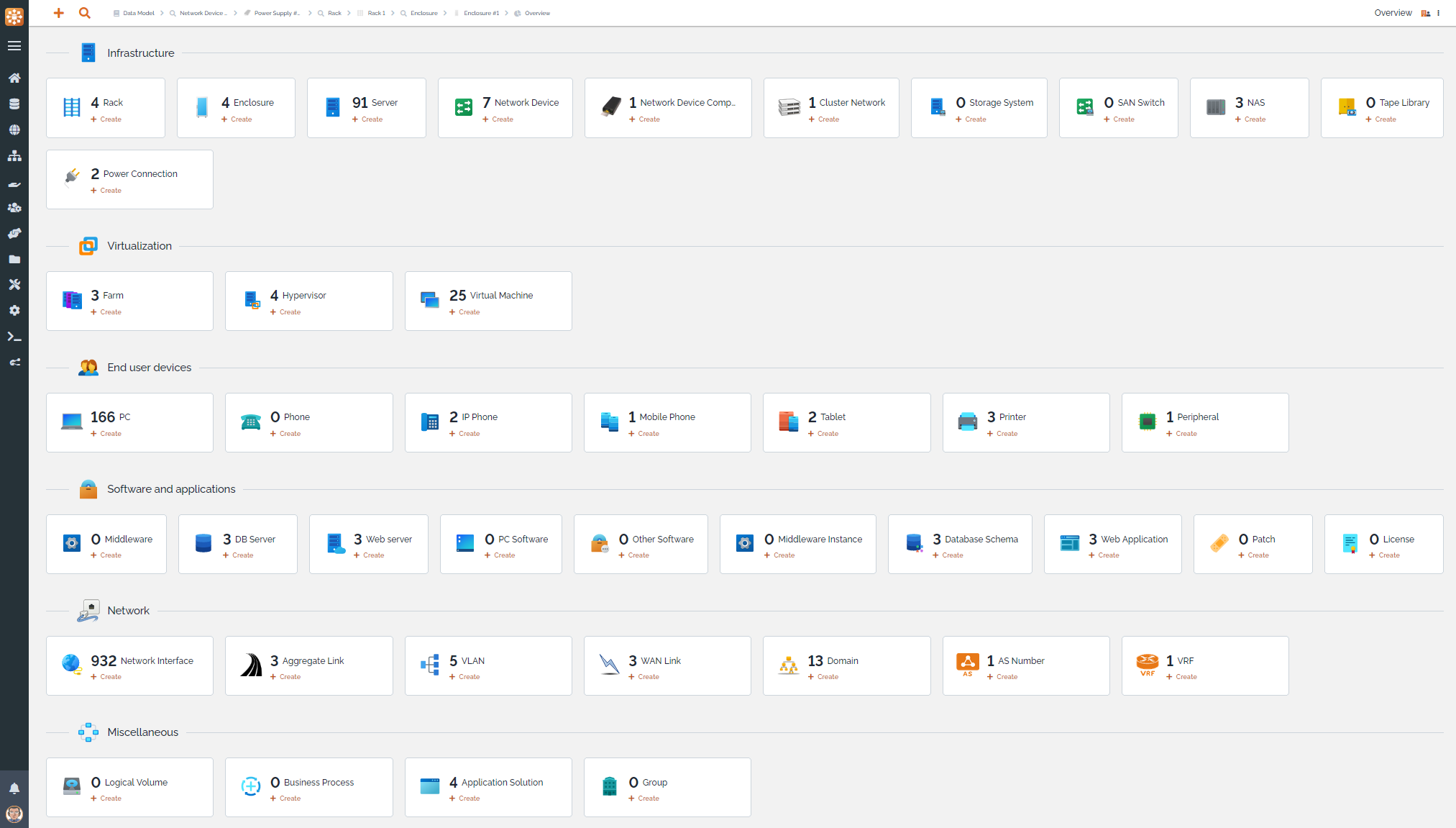
TeemIp是一个免费、开源、基于WEB的IP地址管理(IPAM)工具,提供全面的IP管理功能。它允许您管理IPv4、IPv6和DNS空间:跟踪用户请求,发现和分配IP,管理您的IP计划、子网空间、区域和DNS记录,符合最佳的DDI实践。同时,TeemIp的配置管理数据库(CMDB)允许您管理您的IT库存并将您的配置项(CIs)与它们使用的IP关联起来。项目源代码位于https://github.com/TeemIP
方法二:使用静态变量
使用静态变量是一种简单直接的数据共享方式。可以将需要共享的数据存储在静态变量中,然后在不同的 RecyclerView Adapter 中访问这些变量。
优点:
- 简单易用: 使用静态变量非常简单,不需要引入额外的库。
- 代码量少: 相比于 Redux,使用静态变量需要的代码量更少。
- 适用于小型项目: 对于小型项目,使用静态变量可以快速实现数据共享。
缺点:
- 全局可访问: 静态变量全局可访问,容易被意外修改,导致数据不一致。
- 难以测试: 静态变量的状态难以控制,使得测试变得困难。
- 不适用于大型项目: 对于大型项目,使用静态变量容易导致代码混乱,难以维护。
示例代码:
// 定义一个类,包含静态变量
public class SharedData {
    public static String productName;
    public static String productPrice;
    public static String productId;
    public static String categoryId;
    public static String imageUrl;
}

// 在 ProductListAdapter 中设置静态变量
public class ProductListAdapter extends RecyclerView.Adapter<ProductListAdapter.ViewHolder> {
    // ...

    @Override
    public void onBindViewHolder(ViewHolder holder, int position) {
        Product product = products.get(position);
        holder.button.setOnClickListener(v -> {
            SharedData.productName = product.getProduct_name();
            SharedData.productPrice = product.getProduct_discountPrice();
            SharedData.productId = product.getProduct_id();
            SharedData.categoryId = product.getCategory_id();
            SharedData.imageUrl = product.getImageUrl();

            // 启动 CartPageActivity
            Intent intent = new Intent(context1, CartPageActivity.class);
            context1.startActivity(intent);
        });
    }
}

// 在 CartListAdapter 中访问静态变量
public class CartListAdapter extends RecyclerView.Adapter<CartListAdapter.ViewHolder> {
    // ...

    @Override
    public void onBindViewHolder(ViewHolder holder, int position) {
        holder.productNameTextView.setText(SharedData.productName);
        holder.productPriceTextView.setText(SharedData.productPrice);
        // ...
    }
}
注意: 虽然使用静态变量很方便,但是要谨慎使用,避免出现数据不一致的问题。 建议只在小型项目中,或者数据量较小且更新频率不高的情况下使用。
总结
本文介绍了两种在 RecyclerView Adapter 之间传递数据的方法:使用 Redux 和使用静态变量。 Redux 适用于大型项目,可以集中管理数据,保证状态更新的可预测性。 静态变量适用于小型项目,简单易用,但是容易出现数据不一致的问题。开发者应根据项目的实际情况选择最适合的方法。
除了上述两种方法,还可以使用 EventBus、接口回调等方式实现数据传递,但这些方法各有优缺点,需要根据具体场景进行选择。 在选择数据传递方式时,需要综合考虑项目的规模、复杂度和可维护性等因素。




