



本文将演示如何在Linux环境下使用C++和POSIX线程库(pthread)创建多线程程序。 首先,确保你的系统已安装pthread库(大多数Linux发行版默认安装)。
创建一个名为multithread_example.cpp的文件,并粘贴以下代码:
#include#include #include // 线程函数 void* thread_function(void* arg); int main() { pthread_t thread1, thread2; int result1, result2; // 创建线程 result1 = pthread_create(&thread1, NULL, thread_function, (void*)"Thread 1"); result2 = pthread_create(&thread2, NULL, thread_function, (void*)"Thread 2"); if (result1 != 0 || result2 != 0) { std::cerr << "Error creating thread" << std::endl; return 1; } // 等待线程结束 (可选,取决于你的程序逻辑) pthread_join(thread1, NULL); pthread_join(thread2, NULL); std::cout << "All threads finished." << std::endl; return 0; } void* thread_function(void* arg) { std::string thread_name = static_cast (arg); std::cout << thread_name << " is running." << std::endl; // 在这里添加你的线程任务代码 return NULL; }
接下来,使用g++编译器编译代码:
g++ -o multithread_example multithread_example.cpp -pthread
-pthread选项告诉编译器链接pthread库。
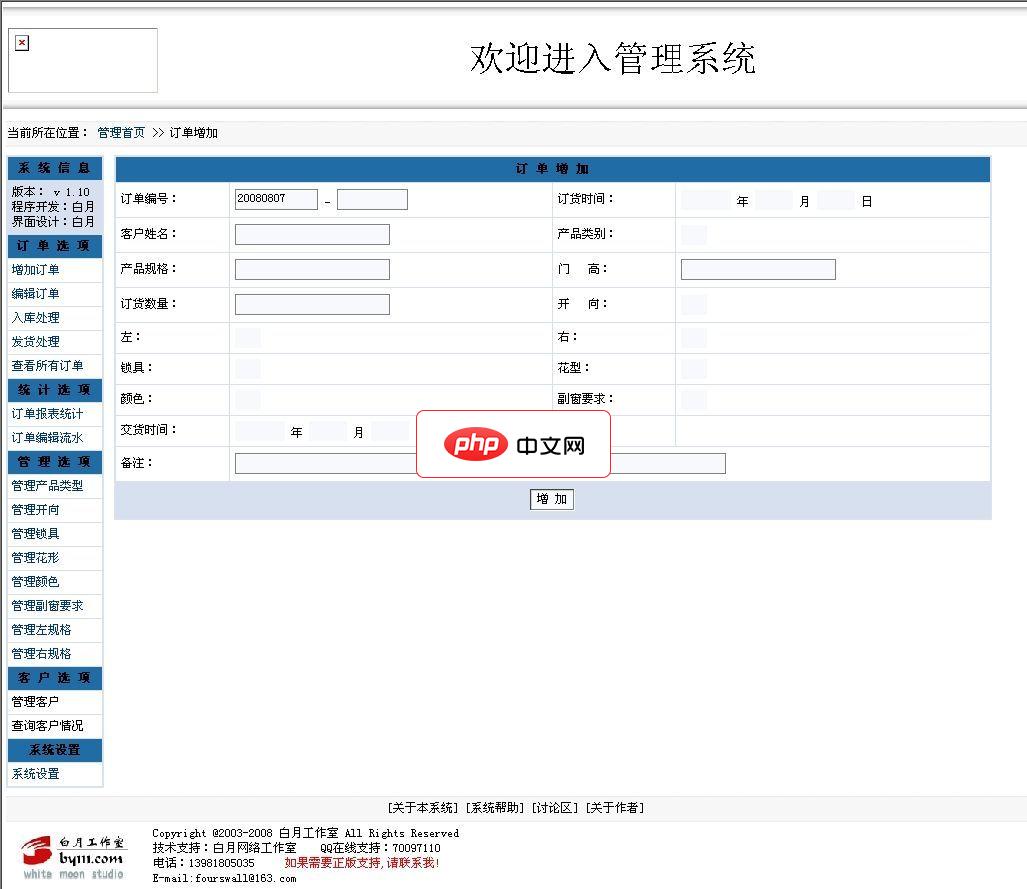
白月生产企业订单管理系统GBK2.0 Build 080807
下载
请注意以下说明:1、本程序允许任何人免费使用。2、本程序采用PHP+MYSQL架构编写。并且经过ZEND加密,所以运行环境需要有ZEND引擎支持。3、需要售后服务的,请与本作者联系,联系方式见下方。4、本程序还可以与您的网站想整合,可以实现用户在线服务功能,可以让客户管理自己的信息,可以查询自己的订单状况。以及返点信息等相关客户利益的信息。这个功能可提高客户的向心度。安装方法:1、解压本系统,放在
立即学习“C++免费学习笔记(深入)”;
最后,运行生成的执行文件:
./multithread_example
该程序创建两个线程,每个线程打印一条消息到控制台。 pthread_join函数确保主线程等待子线程完成之后再退出。 你可以根据需要修改thread_function函数来执行不同的任务。 记住,在多线程编程中,需要仔细处理共享资源以避免数据竞争等问题。




