
移动互联网的发展,促生了各种各样的移动web框架。jquery mobile 是一个针对触摸体验的 web ui 开发框架,很容易就可以把 web app 包装成适合 android 与 ios等触屏移动设备的 javascript 库,与 html5结合可以很方便快速的开发出一款具有良好界面及用户体验的 web app,而且不需要安装任何东西,只需将需要的 *.js 和 *.css 文件直接包含到 web 页面中即可。
下拉菜单:
设置label 元素的for 属性为 select label 元素的文本内容作为选项的名称 定义div元素并设置data-role 属性值为 fieldcontain.
   <div data-role="controlgroup">
    <label for="select" class="select">请选择你的兴趣</label>
    <select name="select" id="select">
      <option>音乐</option>
      <option>电影</option>
      <option>体育</option>
      <option>旅游</option>
    </select>
   </div>
分组的选择菜单
要在select 元素制定optgroup。
<div data-role="controlgroup">
      <label for="select">请选择你的兴趣:</label>
      <select name="select" id="select" data-native-menu="true">
        <optgroup label="娱乐类"/>
        <option>音乐</option>
        <option>电影</option>
        <optgroup label="文体累"/>
        <option>体育</option>
        <option>旅游</option>
      </select>
     </div>
禁用指定Option 数据项的选择菜单
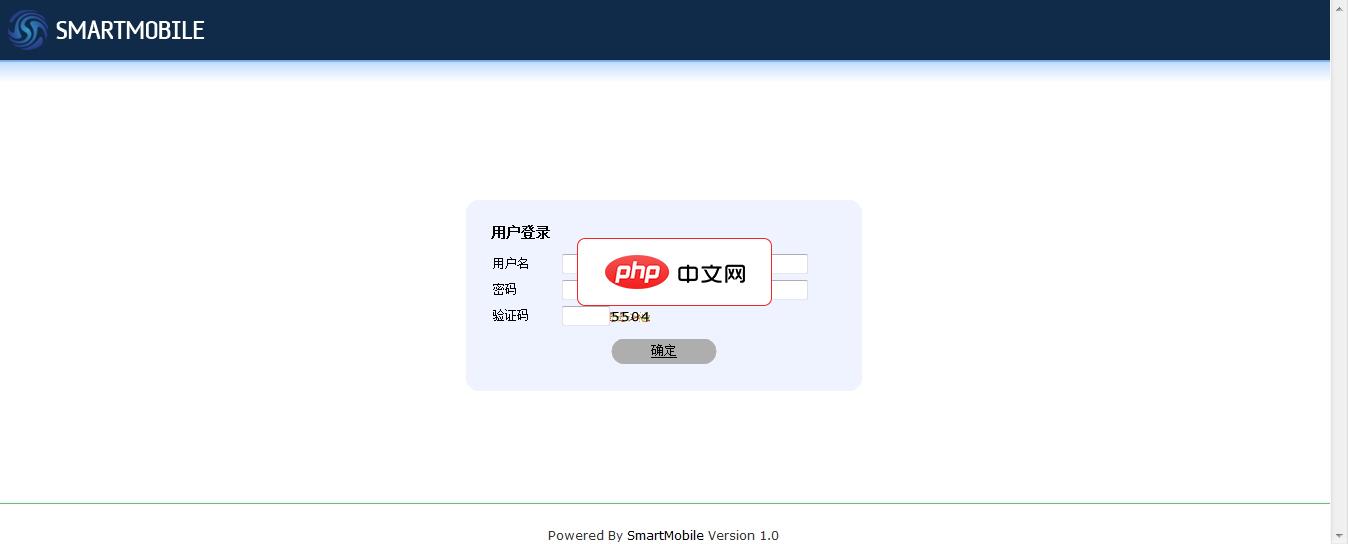
智能移动网站管理系统( SmartMobile )是由仙人掌软件基于asp+access/html5/jquery mobile/css、php+mysql/html5/jquery mobile/css3环境下开发的企业级移动网站管理系统。SmartMobile 内置单页、新闻、产品、视频等内容模型,在很大程度上满足了更多层次用户的需求和发展需要,兼容Android、iOS、黑莓等手机操作平台。
 2
2

    <div data-role="controlgroup">
      <label for="select">请选择你的兴趣:</label>
      <select name="select" id="select" data-native-menu="true">
        <optgroup label="娱乐类"/>
        <option disabled="">音乐</option>
        <option>电影</option>
        <optgroup label="文体累"/>
        <option>体育</option>
        <option>旅游</option>
      </select>
   </div>
普通连接列表
<div data-role="page">
      <header data-role="header">
        <h1>列表例</h1>
      </header>
      <div data-role="content">
        <ul data-role="listview" data-theme="g">
          <li><a href="#">List 1</a></li>
          <li><a href="#">List 2</a></li>
          <li><a href="#">List 3</a></li>
          <li><a href="#">List 4</a></li>
        </ul>
      </div>
   </div>
多层次嵌套列表。
<div data-role="page">
    <header data-role="header">
      <h1>列表例</h1>
    </header>
    <div data-role="content">
      <ul data-role="listview" data-theme="g">
        <li>
          <a href="#" data-add-back-btn="true">List 1</a>
          <p >这是第一层</p>
          <ul>
            <li>
              <a>subList 1 of 1</a>
              <a>subList 1 of 2</a>
              <a>subList 1 of 3</a>
            </li>
          </ul>
        </li>
        <li>
          <a href="#" data-add-back-btn="true">List 2</a>
          <p >这是第二层</p>
          <ul>
            <li>
              <a>subList 2 of 1</a>
              <a>subList 2 of 2</a>
              <a>subList 2 of 3</a>
            </li>
          </ul>
        </li>
      <li>
        <a href="#" data-add-back-btn="true">List 3</a>
        <p >这是第三层</p>
        <ul>
          <li>
            <a>subList 3 of 1</a>
            <a>subList 3 of 2</a>
            <a>subList 3 of 3</a>
          </li>
        </ul>
    </li>
  </ul>
  </div>
   </div>
以上内容是小编给大家分享的jQuery mobile 移动web(4)的相关知识,希望大家喜欢。

每个人都需要一台速度更快、更稳定的 PC。随着时间的推移,垃圾文件、旧注册表数据和不必要的后台进程会占用资源并降低性能。幸运的是,许多工具可以让 Windows 保持平稳运行。

Copyright 2014-2025 https://www.php.cn/ All Rights Reserved | php.cn | 湘ICP备2023035733号


 467
467




 收藏
收藏










