
C++中UTF-8与GBK转换需借助系统API或第三方库。Windows下可用MultiByteToWideChar和WideCharToMultiByte进行编码转换,分别实现UTF-8转GBK与GBK转UTF-8;跨平台推荐使用iconv库,支持多种编码,通过iconv_open、iconv等函数完成转换;也可使用Boost.Locale库的conv模块,调用to_utf和from_utf实现便捷转换。建议根据平台选择合适方法,并处理转换失败情况,确保输入合法,测试覆盖中文及特殊字符。

在C++中进行UTF-8和GBK编码转换,由于标准库不直接支持多字节编码转换,需要借助系统API或第三方库来实现。以下是几种常用且有效的方法。
MultiByteToWideChar和WideCharToMultiByte函数完成UTF-8与GBK(代码页936)之间的转换。UTF-8 转 GBK 示例:
#include <windows.h>
#include <string>
<p>std::string utf8_to_gbk(const std::string& utf8) {
int len = MultiByteToWideChar(CP_UTF8, 0, utf8.c_str(), -1, nullptr, 0);
std::wstring wstr(len, 0);
MultiByteToWideChar(CP_UTF8, 0, utf8.c_str(), -1, &wstr[0], len);</p><pre class='brush:php;toolbar:false;'>len = WideCharToMultiByte(936, 0, wstr.c_str(), -1, nullptr, 0, nullptr, nullptr);
std::string gbk(len - 1, 0);
WideCharToMultiByte(936, 0, wstr.c_str(), -1, &gbk[0], len, nullptr, nullptr);

return gbk;}
GBK 转 UTF-8 示例:
立即学习“C++免费学习笔记(深入)”;
std::string gbk_to_utf8(const std::string& gbk) {
    int len = MultiByteToWideChar(936, 0, gbk.c_str(), -1, nullptr, 0);
    std::wstring wstr(len, 0);
    MultiByteToWideChar(936, 0, gbk.c_str(), -1, &wstr[0], len);
<pre class='brush:php;toolbar:false;'>len = WideCharToMultiByte(CP_UTF8, 0, wstr.c_str(), -1, nullptr, 0, nullptr, nullptr);
std::string utf8(len - 1, 0);
WideCharToMultiByte(CP_UTF8, 0, wstr.c_str(), -1, &utf8[0], len, nullptr, nullptr);

return utf8;}
iconv库。它支持多种编码转换。安装 iconv:
Ubuntu/Debian: sudo apt-get install libiconv-dev
macOS (with Homebrew): brew install libiconv
示例代码(GBK 转 UTF-8):
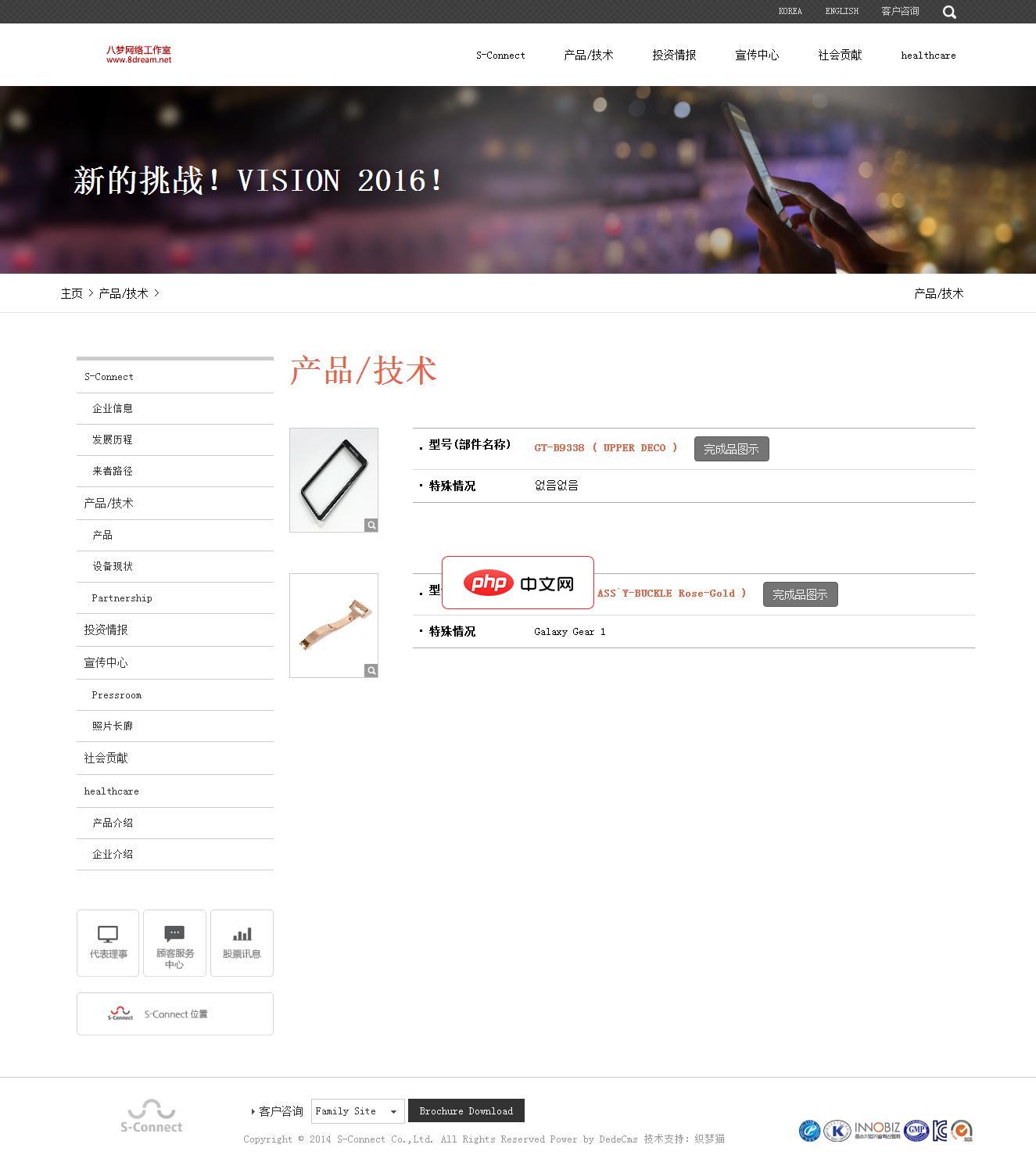
电子手机配件网站源码是一个响应式的织梦网站模板,软件兼容主流浏览器,且可以在PC端和手机端中进行浏览。模板包含安装说明,并包含测试数据。本模板基于DEDECms 5.7 UTF-8设计,需要GBK版本的请自己转换。模板安装方法:1、下载最新的织梦dedecms5.7 UTF-8版本。2、解压下载的织梦安装包,得到docs和uploads两个文件夹,请将uploads里面的所有文件和文件夹上传到你的
 0
0

#include <iconv.h>
#include <string>
#include <cstring>
<p>std::string gbk_to_utf8_iconv(const std::string& in) {
iconv_t cd = iconv_open("UTF-8", "GBK");
if (cd == (iconv_t)-1) return "";</p><pre class='brush:php;toolbar:false;'>size_t in_len = in.size();
size_t out_len = in_len * 4;
std::string out(out_len, 0);

char* in_buf = const_cast<char*>(in.c_str());
char* out_buf = &out[0];

size_t ret = iconv(cd, &in_buf, &in_len, &out_buf, &out_len);
iconv_close(cd);

if (ret == (size_t)-1) return "";
out.resize(out.size() - out_len);
return out;}
同理可将"UTF-8"和"GBK"互换实现UTF-8转GBK。
Boost.Locale 示例:
#include <boost/locale.hpp>
#include <string>
<p>std::string gbk_to_utf8_boost(const std::string& gbk) {
return boost::locale::conv::to_utf<char>(gbk, "GBK");
}</p><p>std::string utf8_to_gbk_boost(const std::string& utf8) {
return boost::locale::conv::from_utf<char>(utf8, "GBK");
}</p>需要链接 Boost.System 和 Boost.Locale 库。
基本上就这些常见方法。Windows下用API最直接,跨平台建议用iconv或Boost。注意处理转换失败的情况,确保输入字符串合法。编码转换虽小但容易出错,测试时多覆盖中文、特殊符号等用例。
以上就是c++++怎么进行UTF-8和GBK编码转换_c++ UTF-8与GBK编码转换方法的详细内容,更多请关注php中文网其它相关文章!

c++怎么学习?c++怎么入门?c++在哪学?c++怎么学才快?不用担心,这里为大家提供了c++速学教程(入门到精通),有需要的小伙伴保存下载就能学习啦!

Copyright 2014-2025 https://www.php.cn/ All Rights Reserved | php.cn | 湘ICP备2023035733号


 177
177









 收藏
收藏













