
利用CSS进行元素的水平居中,行级元素设置其父元素的text-align center,块级元素设置其本身的left 和 right margins为auto即可。本文收集了六种利用css进行元素的垂直居中的方法,一起看看吧!
Line-Height Method
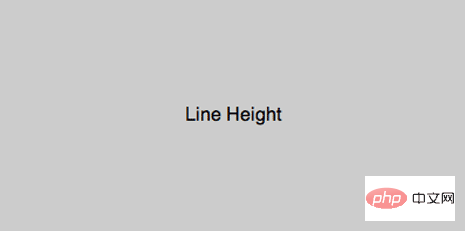
试用:单行文本垂直居中,demo
代码:
html
<p id="parent">
    <p id="child">Text here</p>
</p>css
#child {
    line-height: 200px;
}垂直居中一张图片,代码如下
立即学习“前端免费学习笔记(深入)”;
html
<p id="parent">
    <img src="image.png" alt="" />
</p>css
#parent {
    line-height: 200px;
}
#parent img {
    vertical-align: middle;
}CSS Table Method
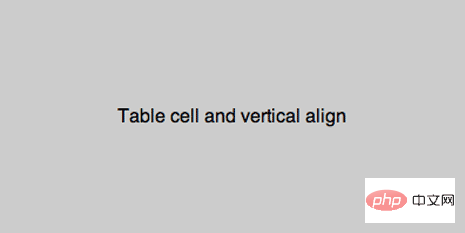
适用:通用,demo
代码:
html
<p id="parent">
    <p id="child">Content here</p>
</p>css
#parent {display: table;}
#child {
    display: table-cell;
    vertical-align: middle;
}低版本 IE fix bug:
#child {
    display: inline-block;
}Absolute Positioning and Negative Margin
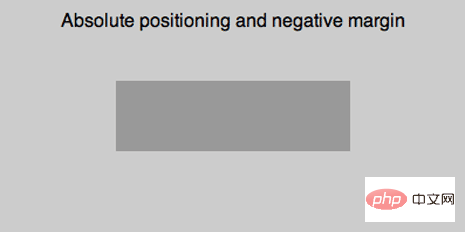
适用:块级元素,demo
代码:
html
<p id="parent">
    <p id="child">Content here</p>
</p>css
#parent {position: relative;}
#child {
    position: absolute;
    top: 50%;
    left: 50%;
    height: 30%;
    width: 50%;
    margin: -15% 0 0 -25%;
}Absolute Positioning and Stretching
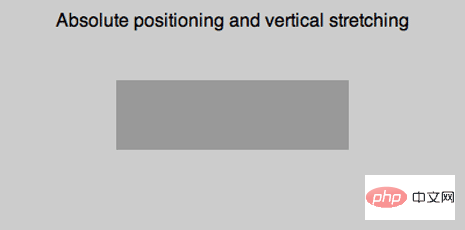
适用:通用,但在IE版本低于7时不能正常工作,demo
代码:
html
<p id="parent">
    <p id="child">Content here</p>
</p>css
#parent {position: relative;}
#child {
    position: absolute;
    top: 0;
    bottom: 0;
    left: 0;
    right: 0;
    width: 50%;
    height: 30%;
    margin: auto;
}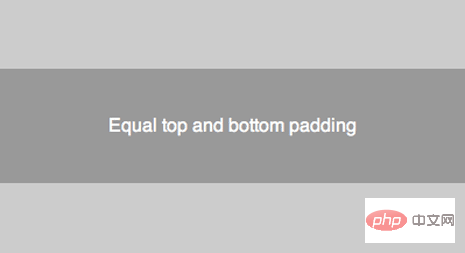
适用:通用,demo
代码:
html
<p id="parent">
    <p id="child">Content here</p>
</p>css
#parent {
    padding: 5% 0;
}
#child {
    padding: 10% 0;
}Floater p
适用:通用,demo
代码:
html
<p id="parent">
    <p id="floater"></p>
    <p id="child">Content here</p>
</p>css
#parent {height: 250px;}
#floater {
    float: left;
    height: 50%;
    width: 100%;
    margin-bottom: -50px;
}
#child {
    clear: both;
    height: 100px;
}以上就是六种方法,可以在实际的使用过程中合理选择.
更多编程相关知识,请访问:编程入门!!

每个人都需要一台速度更快、更稳定的 PC。随着时间的推移,垃圾文件、旧注册表数据和不必要的后台进程会占用资源并降低性能。幸运的是,许多工具可以让 Windows 保持平稳运行。

 广告
广告Copyright 2014-2025 https://www.php.cn/ All Rights Reserved | php.cn | 湘ICP备2023035733号





 789
789


 收藏
收藏













